

neurodivrgent
Inspiring
April 30, 2024

Meta Quest build v65 release notes
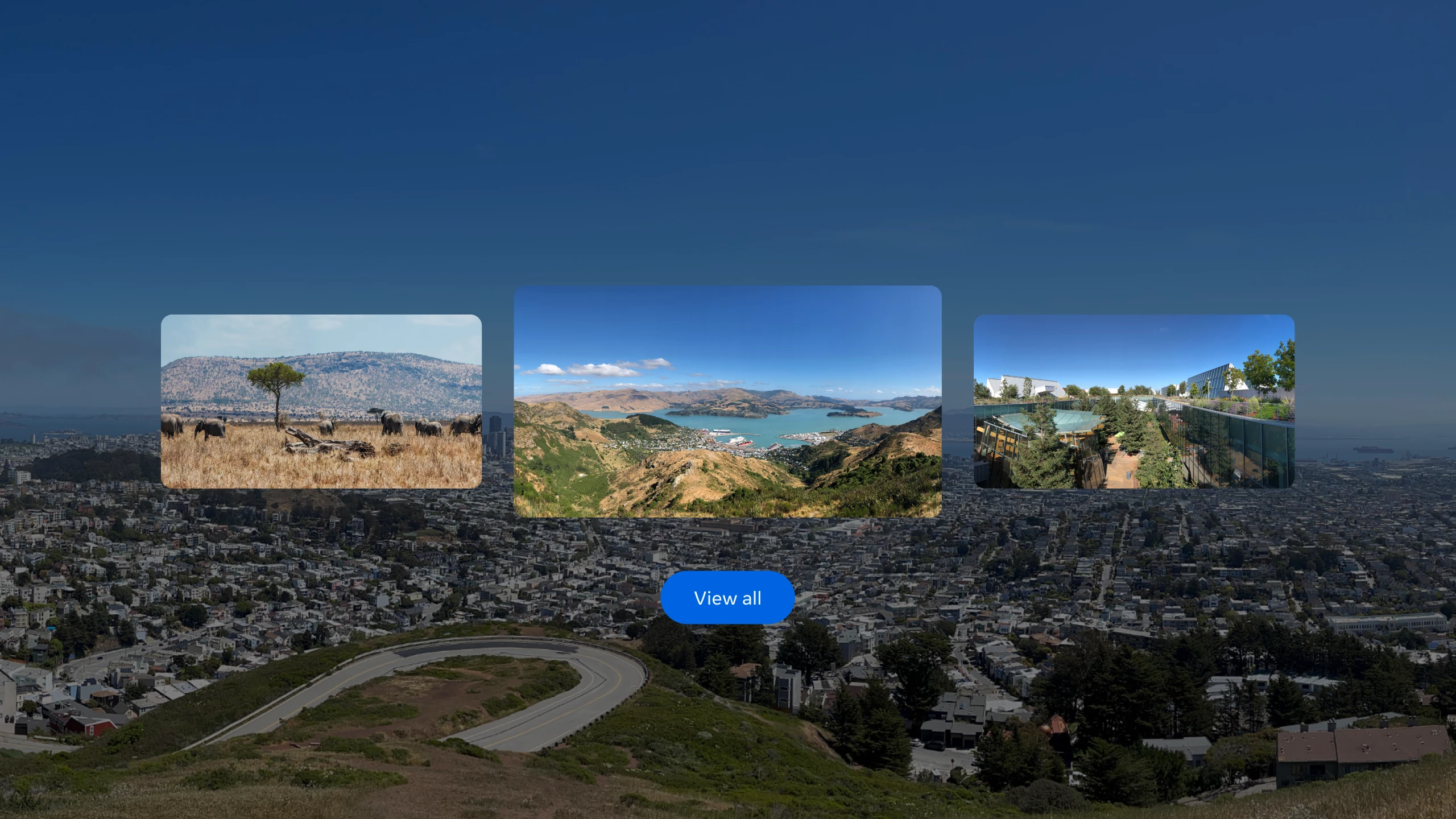
These features and enhancements will become available starting the week of April 30, 2024 and will be pushed to Meta Quest 3, Meta Quest Pro and Meta Quest 2 headsets. Please note that you can find the most up to date release notes on our release notes article and you can check out our v65 blog as well for more details.


Panoramic photos and spatial video

If you have an iPhone on iOS 17 and later, you can now upload panoramic photos or spatial video to your Quest headset using the Meta Quest mobile app.


Passthrough improvements

You’ll now see your passthrough environment instead of the default gray background for some system menus and prompts when you’re using passthrough in your Horizon Home.


Mouse and keyboard improvements

When using a physical keyboard or mouse with your headset, you should now see fewer interruptions from hand tracking, including when these devices are connected to your headset via Bluetooth or when using Meta Quest Remote Display.


Local multiplayer and boundary recall with Meta Virtual Positioning System

Local multiplayer allows multiple VR devices to play in the same physical space in a common immersive environment, while improved boundary detection uses Meta server processing to improve the likelihood of recognizing previously established boundaries, reducing the chance that you will be prompted to re-draw your boundary as you move between physical spaces. This enhanced understanding of your immediate physical space is achieved by sending point cloud data from your device to Meta servers for processing. Learn more about Meta Virtual Positioning System and how to enable it from your privacy settings.


Travel mode (Quest 3 and Quest 2 only)

With travel mode on Meta Quest 3 and Quest 2 you can interact, work and play in MR while on an airplane and also access in-flight entertainment.

Once you enable travel mode from Experimental in Settings, you can turn it on or off anytime from the Quick settings panel.

You may also see a message to turn on travel mode if you try to use your headset while on a plane. Learn more about travel mode.

52 replies

TheeScientist
Honored Contributor
May 7, 2024

Hi MrComfort, welcome back to the community! It's great to see you here. 🙂 VR features really take your experience to the next level. You can find this on the Meta Quest mobile app. For more information on VR spatial photos, check out this link here. Please note, only iPhone 15 Pro and Pro Max can shoot Spatial Videos.

Don't worry be happy.
Up and Coming
May 7, 2024

Hi TheeScientist , thank you, but I do not see any upload button on the gallery section of the mobile app, as mentioned above. App Version is 265 and Quest 3 software is v65.  Seems like this is bugged.

Up and Coming
May 7, 2024

My panos don't even show as panos on the new IOS so it's pretty much an apple issue. And I have the iphone 15 pro max

New Participant
May 8, 2024

Billions spent on development yet you continue to ignore the WIFI bug that makes this headset completely unusable for many of us. The Dropouts make this headset unusable for any kind of online completive play with airlink or virtual desktop. 


You either need to test these updates PROPERLY or give us the option to opt out of the updates until they are confirmed by the community to NOT be broken.

Honored Contributor
May 8, 2024

Velcrochicken1  The Q3 wifi disconnect issue introduced with v64 is a real pain.  I found a fix 5 days ago by upgrading my 5yo wifi5 router with a new wifi6 router.  Since doing this I haven’t a single disconnect; standalone, and wireless with Air Link or Virtual Desktop.  Seems that the Q3 is happier with the wifi6 AX protocol.  Hopefully this will remain fixed when I get the rollout of v65, probably in about a week’s time.

The plus side is that I’m now getting much better wireless results.

i9 13900K water cooled, RTX4090, Z790 MB w/wifi6e, 64Gb 6400 ram, 2x2TB SSD, 1000W PSU, Win 11, QPro, Q3, w/Link and Air Link, Vive Pro1 with 2x2.0 base stations, Etsy lens mod and Index Controllers
Participant
May 9, 2024

Is anything being done or going to be done about controller alignment issues?

The threads on this subject are full of users voicing their concerns and we've been told nothing from support.

Up and Coming
May 9, 2024

I'm having issues now with the blue circle on boundaries.  I never had that issue before and basically as I never game but use the app for sitting and meditating, I find it annoying to see the blue circle while trying to meditate at a waterfall.  

Honored Contributor
May 9, 2024

MoonstoneWolf7  Maybe draw an over-sized boundary instead of making a stationary one.  Also, it's very common for your guardian boundaries to change after updates.  First thing I do after any update is remove my guardian history and build a new one.

i9 13900K water cooled, RTX4090, Z790 MB w/wifi6e, 64Gb 6400 ram, 2x2TB SSD, 1000W PSU, Win 11, QPro, Q3, w/Link and Air Link, Vive Pro1 with 2x2.0 base stations, Etsy lens mod and Index Controllers
Up and Coming
May 9, 2024

Thanks.  I will give that a try

Up and Coming
May 9, 2024

Just did another update of the V65.  Passthrough still horrible, videos are the same, slightly blurry and no ability to upload panorama from the app.  I also just updated the app.  Weird.