New Participant
Nov 9, 2026 5:44 AM UTC

SpaceSuit CAD: real parametric CAD on Quest 3. Looking for 10-15 minute playtests

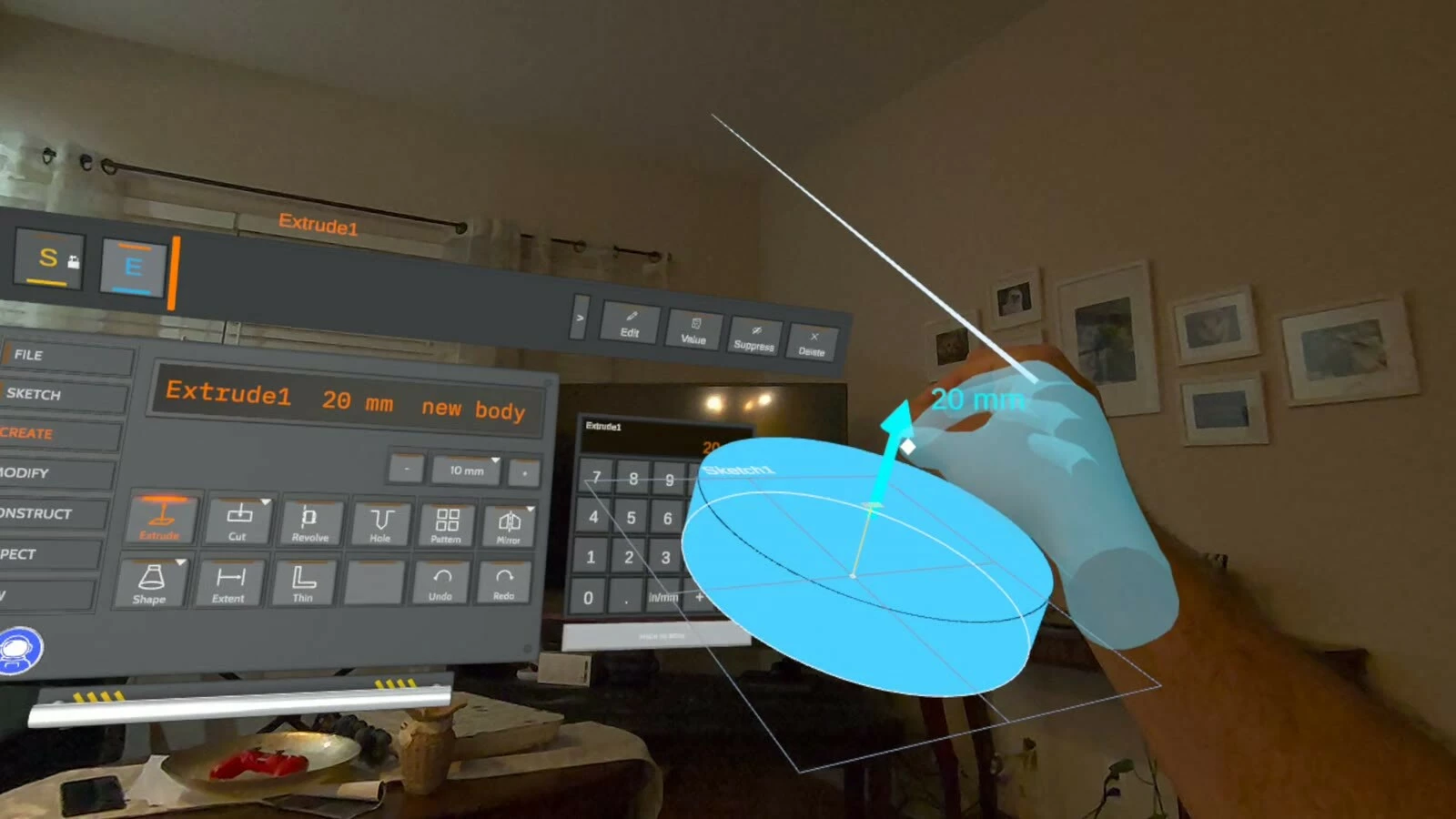
Hi everyone! I'm Luis. My background is in manufacturing, CNC machining specifically, and CAD is part of my everyday work: every part we cut starts as a model. When I got into VR, I noticed there's almost no real CAD on it. There are great sketching and sculpting tools and some model viewers, but nothing where you can design a dimensioned, editable part and send it to be made. So I started building one.

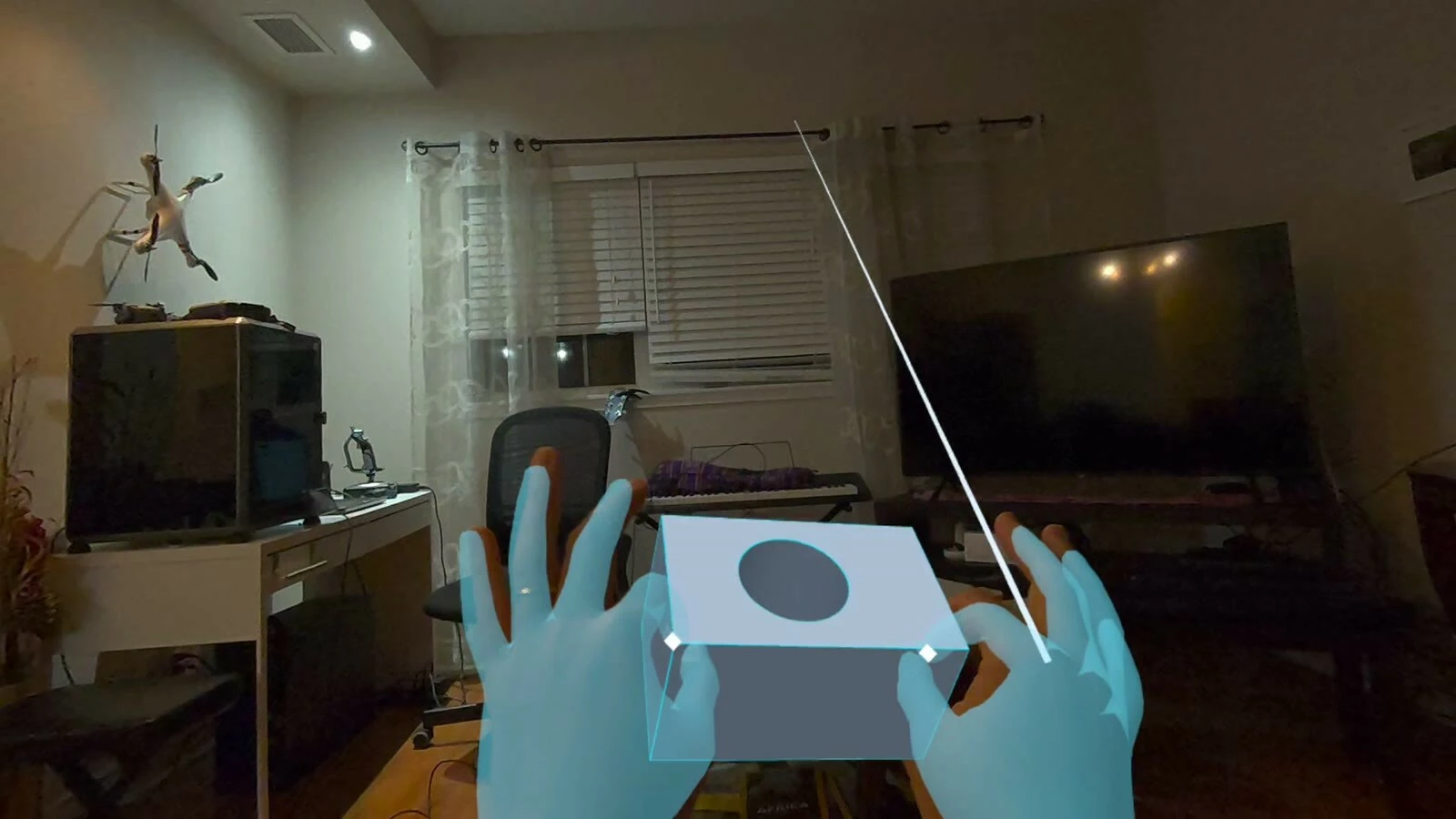
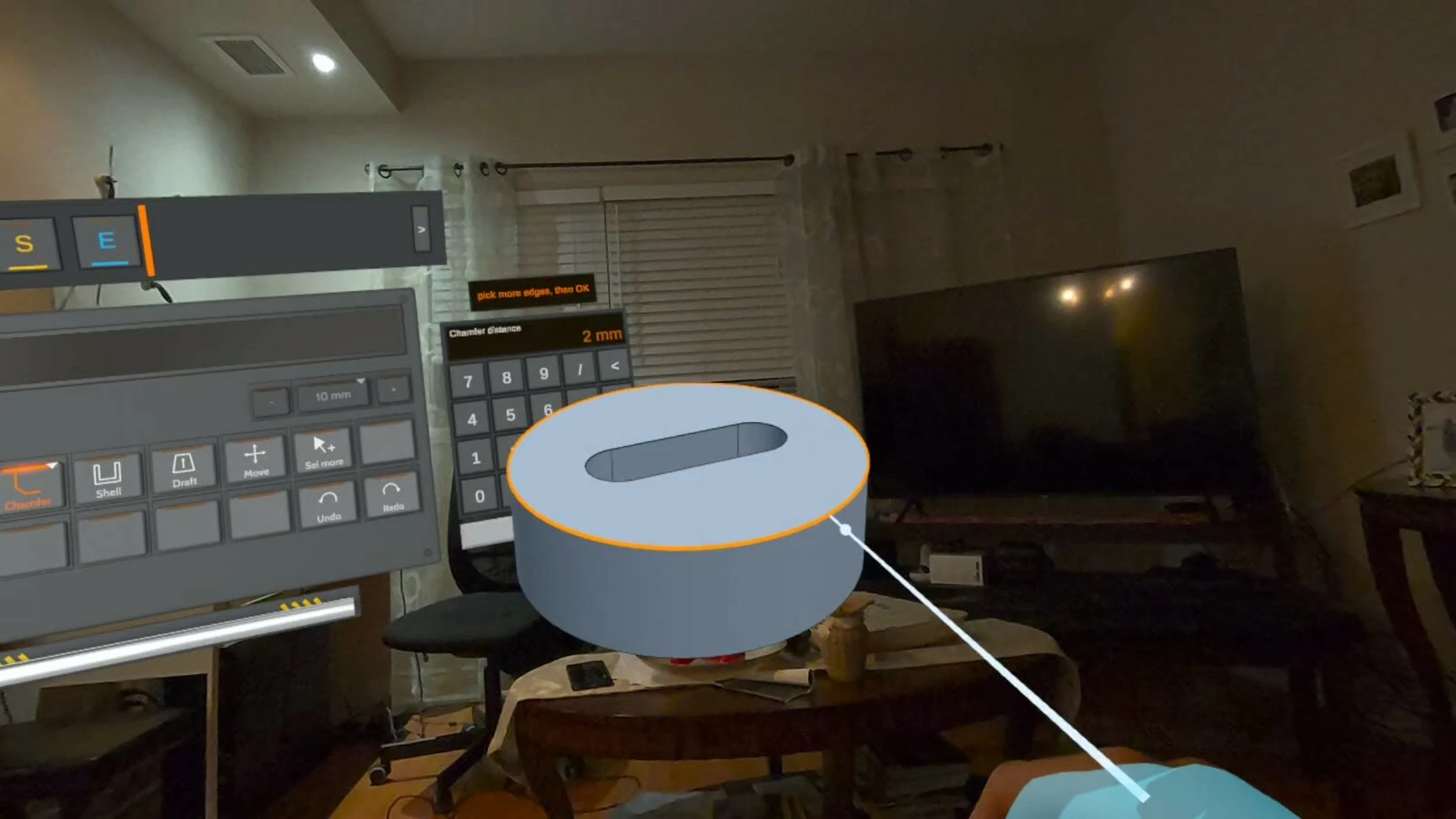
SpaceSuit CAD is my entry for the Start Developer Competition (Productivity track). It's parametric 3D CAD that runs standalone on Quest 3, with a PC version in the works. You sketch with real dimensions, extrude and cut solid parts, and every step stays editable in a feature history. It all happens in passthrough, so you can design a part at real size next to the thing it has to fit.

46-second clip, recorded on Quest 3 with hand tracking:

More parts from the same session:
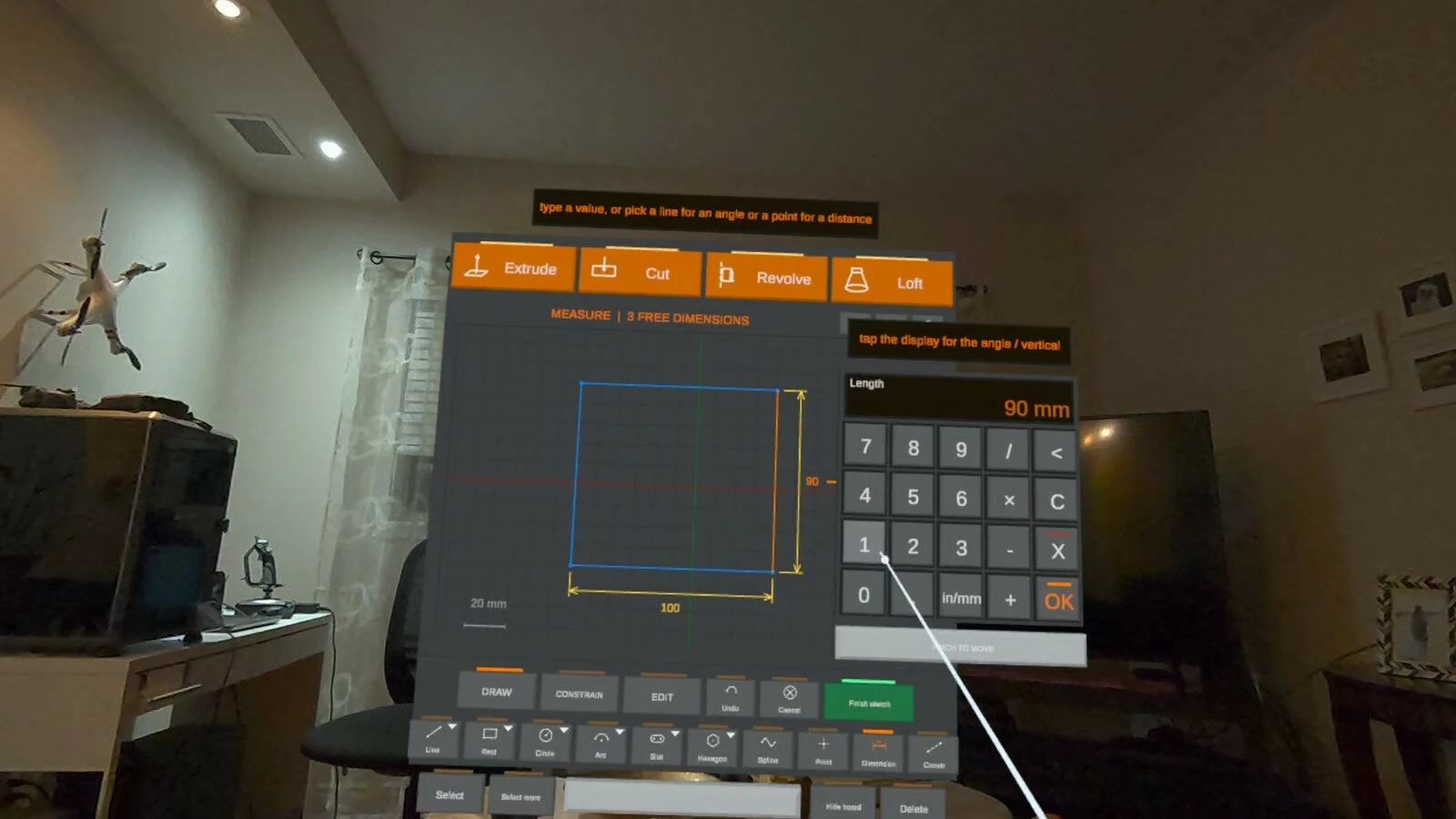
What I'd love you to try (about 10-15 minutes, seated; controllers work too, but I'm especially after hand-tracking feedback):

  1. Start a sketch and draw a shape with the tools on the sketchboard.
  2. Give it an exact size with the dial.
  3. Extrude it into a solid, then cut a hole into it.
  4. Bonus: open one of the sample assemblies and play with it.

What helps me most:

  • Where did you get stuck or confused, especially in the first few minutes?
  • Did pinch, ray and grab feel reliable, or did your hands lose tracking at any point?
  • Was any text too small, or anything out of comfortable reach while seated?
  • Anything that felt laggy?

Install: Quest 3 or 3S, hand tracking on. Reply here or DM me and I'll send a playtest invite link.

Happy to playtest your build in return, just drop your link! Thanks!

2 replies

New Participant
Nov 9, 2026 11:31 AM UTC

Hi Luis! SpaceSuit CAD looks great. Real dimensioned CAD in passthrough is exactly what VR has been missing, and the footage is really clean.

I'm  Softalpha, also in the Productivity track. My entry is Tend, a hands-first MR focus timer: a pot appears on your real desk, you pinch a seed into it, hold your palm over it to water it, and a plant grows while you focus. Butterflies live in your garden and land on your palm.

I'd love a quick playtest if you have 5 minutes. It's WebXR, so there's nothing to install: just open this in the Quest Browser and tap "Enter mixed reality":
https://softalpha0.github.io/Tend/?minutes=1
(?minutes=1 makes the session one minute so you see a full bloom.)

Two things would help me a lot:
1. Does the pot land on your desk, and do watering (palm up over the pot) and pinching the seed work on the first or second try?
2. If you're up for it, a short screen recording (even 30-60 seconds). I built it without a headset, so I don't have any real passthrough footage yet.

Being honest: I don't have a Quest myself right now, so I can't playtest your build in-headset. But I'm happy to give detailed feedback on your onboarding, video and Devpost write-up, or share how I set up live data sync for my project, if any of that's useful. Good luck with the competition!

New Participant
Nov 9, 2026 12:16 PM UTC

Thanks, Softalpha, appreciate it, and Tend sounds great. I’ll give it a run in the Quest Browser and report back on the pot landing, the watering and the seed pinch. No worries about not having a Quest; if you get your hands on one before the deadline, the playtest offer stands. Good luck in the Productivity track!