

neurodivrgent
Inspiring
April 30, 2024

Meta Quest build v65 release notes
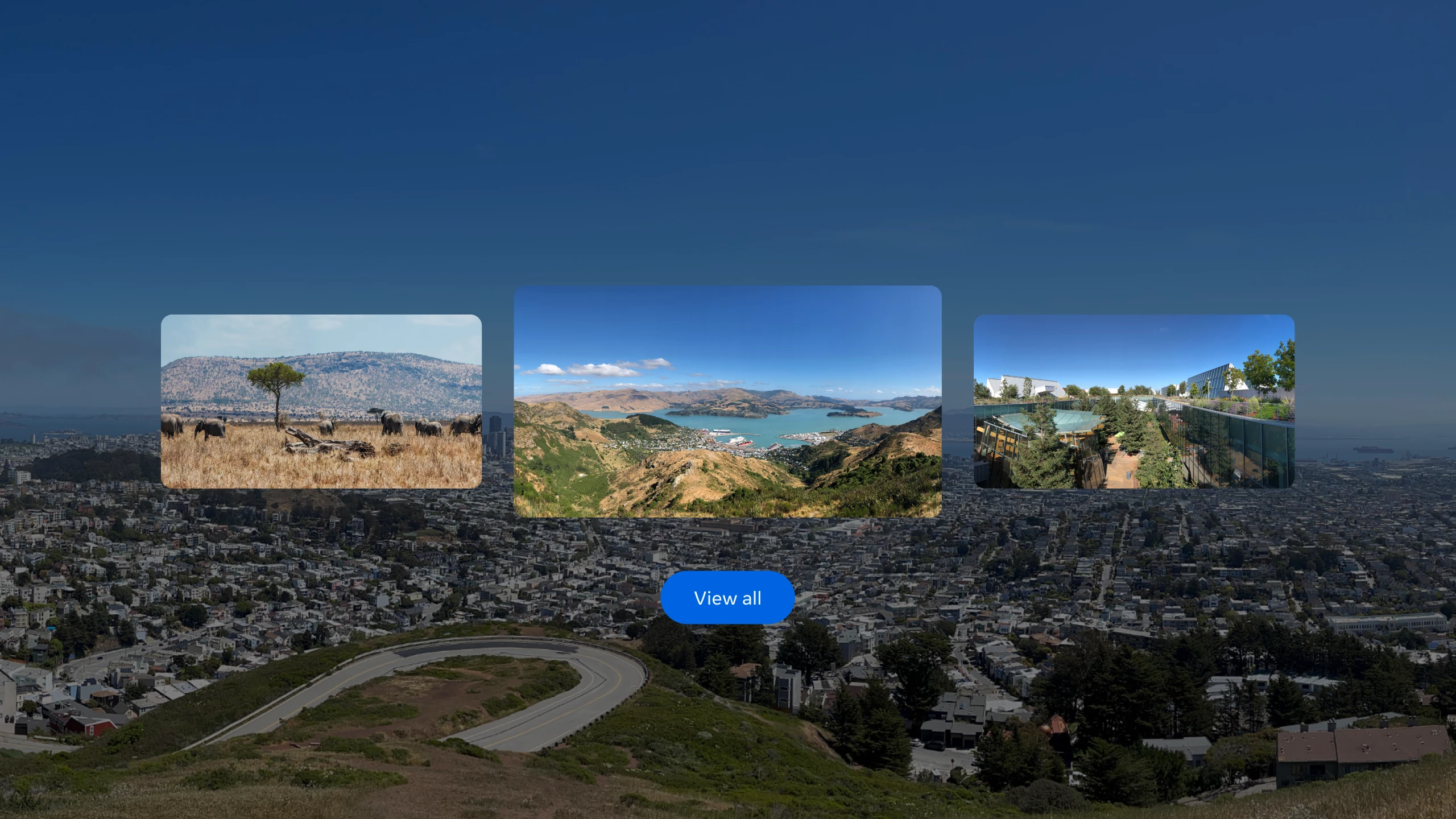
These features and enhancements will become available starting the week of April 30, 2024 and will be pushed to Meta Quest 3, Meta Quest Pro and Meta Quest 2 headsets. Please note that you can find the most up to date release notes on our release notes article and you can check out our v65 blog as well for more details.

Β 

Panoramic photos and spatial video

If you have an iPhone on iOS 17 and later, you can now upload panoramic photos or spatial video to your Quest headset using the Meta Quest mobile app.

Β 

Passthrough improvements

You’ll now see your passthrough environment instead of the default gray background for some system menus and prompts when you’re using passthrough in your Horizon Home.

Β 

Mouse and keyboard improvements

When using a physical keyboard or mouse with your headset, you should now see fewer interruptions from hand tracking, including when these devices are connected to your headset via Bluetooth or when using Meta Quest Remote Display.


Local multiplayer and boundary recall with Meta Virtual Positioning System

Local multiplayer allows multiple VR devices to play in the same physical space in a common immersive environment, while improved boundary detection uses Meta server processing to improve the likelihood of recognizing previously established boundaries, reducing the chance that you will be prompted to re-draw your boundary as you move between physical spaces. This enhanced understanding of your immediate physical space is achieved by sending point cloud data from your device to Meta servers for processing. Learn more about Meta Virtual Positioning System and how to enable it from your privacy settings.

Β 

Travel mode (Quest 3 and Quest 2 only)

With travel mode on Meta Quest 3 and Quest 2 you can interact, work and play in MR while on an airplane and also access in-flight entertainment.

Once you enable travel mode fromΒ ExperimentalΒ inΒ Settings, you can turn it on or off anytime from theΒ Quick settingsΒ panel.

You may also see a message to turn on travel mode if you try to use your headset while on a plane. Learn more aboutΒ travel mode.

52 replies

Honored Contributor
May 15, 2024

Buetigame  Ya wifi5 AU protocol only seems to be a problem with the Q3.  Upgrading my +5yo wifi5 router also cost me a pretty penny.  I needed to upgrade my isp home router so I didn't lose my home phone lines.  This cost me au$280 (payable over 24mo, interest-free).  What I can tell you is that in my case it was worth it because it seems to have improved my wireless performance on all my Quest headsets (Q2/3/Pro).

Even before v64 I was getting some wireless problems (standalone and PCVR) with my Q3 and this started to get a lot worse with v64.  The Virtual Desktop developer (G.Goddin) flagged this problem +5 months ago and recommended that Q3 users go to a wifi6 AX router.

I don't know if your local internet provider can supply a wifi6 router like mine could or not.  I guess your other option would be to buy a dedicated wifi6 router and use that.  External wifi6 routers can be bought for less than ~$100.  Then see if you can connect into your existing network for internet access sharing.

I kinda don't think that Q3 wifi5 AU problems are going to be fixed very quickly, if at all.  I hope for your sake it get sorted out soon, and/or Meta can maybe offer something like their D-Link Air Bridge option at a discount (now available from Amazon for ~$80).  In the meantime, I feel your pain mate.  Cheers.  

i9 13900K water cooled, RTX4090, Z790 MB w/wifi6e, 64Gb 6400 ram, 2x2TB SSD, 1000W PSU, Win 11, QPro, Q3, w/Link and Air Link, Vive Pro1 with 2x2.0 base stations, Etsy lens mod and Index Controllers
Up and Coming
May 15, 2024

I would not use it a lot, but the ability to upload panoramic photos is non-existent for me. I wanted to test it out to see, and all I can do is upload the spatial videos. I'm sure there will be some people who will want to use that feature though.  

New Participant
May 15, 2024

the most recent update broke my link cable connection ive tried everything to troubleshoot was working fine before the update never had problems now im getting grainy imagine with trails when ever i use my link cable

Participant
May 15, 2024

TomCgcmfc Thanks for yours supply...

Strange thing is... if you're priorizing the Internet for Q3 with the Router, the connection disruption goes down. So it was possible for the first time since v64 (maybe also began with v63) to play with AirLink for a whopping 40min!

The "Air Bridge" of D-Link is really bad, especial if you would have internet access for connected devices. A really pain in the ass configuration and worst driver/app support ever 😞

What router did you use before and now?
Were these also FritzBoxes?
Didn't think so...

Honored Contributor
May 16, 2024

Buetigame  I upgraded my isp supplied Telstra smart modem 2 wifi5 with a smart modem 3 wifi6.  This is costing me au$12/mo over the next 24 months (au$288 total).  Given how much I already spend on PCVR this is a drop in the bucket, for me anyway.

I did look at the wifi6 Fritz!Box 7590 AX and 7530 AX routers and I think either of these would have worked ok since they both have home phone connections.  However, since I don’t need a mesh network, and both were a bit more expensive (plus needed to be bought outright) I decided to stick with my local isp option.  This was pretty well plug and play plus I get good support and a warranty.

Anyway, up to you to decide what’s best.  Good luck mate and cheers.

i9 13900K water cooled, RTX4090, Z790 MB w/wifi6e, 64Gb 6400 ram, 2x2TB SSD, 1000W PSU, Win 11, QPro, Q3, w/Link and Air Link, Vive Pro1 with 2x2.0 base stations, Etsy lens mod and Index Controllers
Participant
May 16, 2024

TomCgcmfc I own a Fritz!Box 7590 AX and I have the same wifi interruptions on the newest v65 Quest 3 firmware and FRITZ!OS: 7.80. Meta Support knows about the issue related to the Fritz!Box routers. 


Honored Contributor
May 16, 2024

RobbenB  Thanks mate.  Glad I didn’t buy one, lol!  Hopefully between Meta and the router maker this will get sorted out soon.  I recall there were early issues with some TP-Link routers that needed a new router firmware to fix.  You’d think that all WiFi6 AX devices would be standardized, but I guess not.

i9 13900K water cooled, RTX4090, Z790 MB w/wifi6e, 64Gb 6400 ram, 2x2TB SSD, 1000W PSU, Win 11, QPro, Q3, w/Link and Air Link, Vive Pro1 with 2x2.0 base stations, Etsy lens mod and Index Controllers
Participant
May 16, 2024

TomCgcmfc I've solved my problem... with no investment πŸ˜‰

Last year I exchanged the prevoius AP (Fritz!Repeater 1750E) with a newer one (Fritz!Repeater 1200AX), in hope to get a better mesh steering... but that wasn't the case - but I kept it for "newer is better". As you've stated, a native Wifi6 AX Router would be better, I came to the idea to change things back - done so: 6591  Cable Router + 1750E AP meshed, and wired (!) connected 1200AX AP.

And now? Just a PERFECT connection to the Quest 3 and even the AP is portable!
(minimal latencies with virtual desktop and no "hickups" with both)

Problem solved... forever... hopefully πŸ˜Ž
Thx mate!

Even the pretty old TV (red x'd world) connects again, which wouldn't against WiFi 6 AP - great!

Honored Contributor
May 17, 2024

Buetigame  Well done mate!

i9 13900K water cooled, RTX4090, Z790 MB w/wifi6e, 64Gb 6400 ram, 2x2TB SSD, 1000W PSU, Win 11, QPro, Q3, w/Link and Air Link, Vive Pro1 with 2x2.0 base stations, Etsy lens mod and Index Controllers
Moriarti4
Up and Coming
May 17, 2024

Why hasn't travel mode been added to the Quest Pro ??? Your most expensive headset lacks a basic feature that your cheapest headset now has ??? Or has all development for the Quest Pro now finally stopped and it's just bug fixes ? The Quest Pro controllers get more updates than the headset does!!??!!