

neurodivrgent
Inspiring
June 25, 2024

Meta Quest build v66 release notes
These features and enhancements have already become available starting the week of June 3, 2024 and were pushed to Meta Quest 3, Meta Quest Pro and Meta Quest 2 headsets. Please note that you can find the most up to date release notes on our release notes article and you can check out our v66 blog as well for more details.


Meta button on wrist

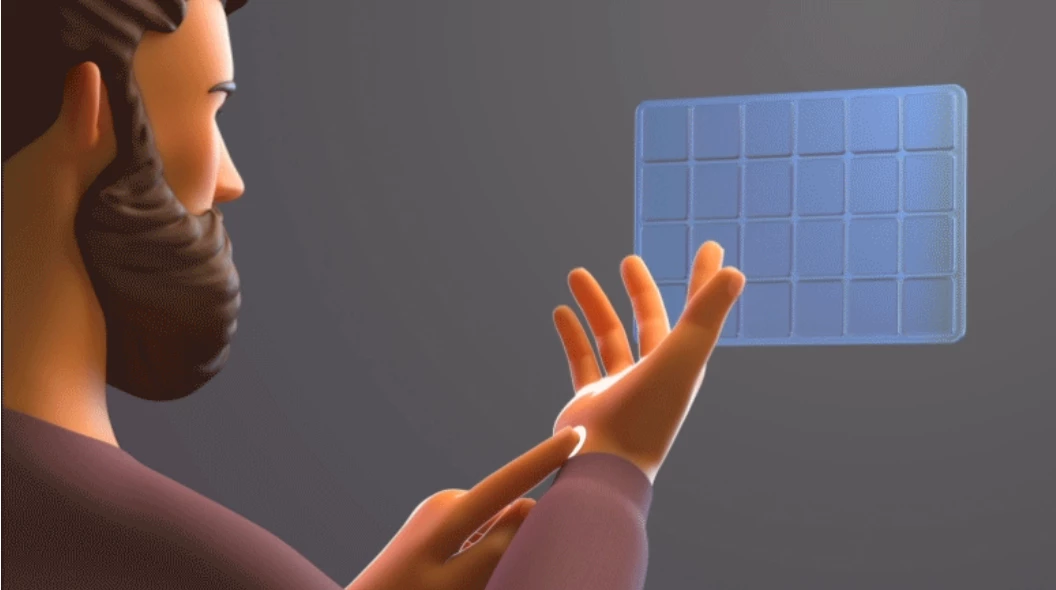
When using hands, you can now add a Meta button to your wrist to easily open the universal menu by tapping it or recenter your view by holding it down. You can also use the Menu button on your other wrist to bring up the current experience’s in-app menu. You can try out this feature by enabling it from Experimental in Settings.


Background audio and media controls

You’ll now be able to launch a music app and listen to music while playing games or using other apps. When background audio is playing, you’ll see a new media control bar under the universal menu to control music playback. Press / on your right Touch controller to bring up the universal menu and media control bar.


Family Center updates

Teens and children supervised by the same parent or guardian will automatically be able to see each other in Family Center.


Improved passthrough and mixed reality interactions (Quest 3 only)

It’s now more natural to interact in mixed reality on Quest 3 with significantly reduced passthrough distortions and improved hand alignment.


Hide apps in Library

You can now hide any app (installed or uninstalled) you’ve downloaded from the Meta Quest Store to help clean up your Library. You can see apps you’ve hidden by selecting Hidden from the dropdown menu in the top right.


Space Setup automatically captures furniture

Space Setup will now automatically identify and mark furniture in your space to improve realism for MR games and apps. For now, this will work for windows, doors, tables, couches, storage, screens, and beds, with additional furniture types supported over time.

Sleep mode added to power off menu

When you press and hold the power button on your headset, you’ll now see an option to put your headset to sleep. Putting your headset to sleep and leaving it plugged in allows your headset and apps to update in the background, keeps your battery charged, and significantly reduces the amount of time it takes for your headset to turn on.


31 replies

Up and Coming
June 25, 2024

I'm on v66 now.

"Hide apps in Library" hasn't been implemented in v66. When I go to the Library, there is no option to "hide" apps and there is no "Hidden" category in the dropdown menu.

Moriarti4
Up and Coming
June 25, 2024

Was this meant to be the post for the release of the V67 for the PTC ???? not a repeat of the same post from 3 weeks ago... good grief meta can't even get that right !!! 😂 🤔 🤣

NicoEng
Up and Coming
June 25, 2024

I am on the PTC and just got v67. I agree with M0RIATY, is this the post for PCT v67 discussion? There is an option in experimental features for WiFi QR codes that is the only difference I have found so far. 

Craqdi
New Participant
June 25, 2024

Great progress forward  

NicoEng
Up and Coming
June 25, 2024

I have found an experimental feature that lets you use windows and un-dock them and move the around independently. 

Participant
June 26, 2024

Someone coming from holidays, eh? 😎
So I'll repeat my post from the other thread, which seems abandoned from Meta:

Got the update yesterday (June 21st)... 66.0.0.730.370 for Q3 to be precise.
3 weeks after public announcement - better than never.

Pros:

  • wrist buttons could be activated per experimental features
  • automatic furniture capturing works great
  • hide apps in library - finally 😍

Cons:

  • no standby option in power off menu
  • no reduction in passthrough distortion

Would such things also come "in waves" or what? The experiences with that feature "waves" are not good... sometimes they never reach the user or very late, like within the 3rd update after the announced one.

[EDIT] Read that on the v66 blog:

We’re rolling out these Passthrough improvements gradually to ensure there are no unforeseen issues—meaning that even if you have v66, you might still not see any changes for a little bit. We appreciate your patience though, and look forward to getting this in everyone’s hands as soon as possible!

OK... four weeks after release... when?

Participant
June 26, 2024

And no... this is NOT a PTC Thread - release notes are never given to PTC releases!
So please Moriarti4 & NicoEng  post to the corresponding PTC thread - thank you!

NicoEng
Up and Coming
June 26, 2024

Thanks Buetigame I could not find PCT v67 when I first posted. I just thought Meta made a mistake calling this a v66 thread. 

IrregularExpr
Participant
June 26, 2024

So this is fun...

Stage Mode behaviour is completely broken in V66 if the boundary is disabled. Just tested a V65 headset and you couldn't recenter the headset and it'd always use a consistent origin... now in V66 neither is true. Fun!

kaivalagi
New Participant
June 26, 2024

Given the number of users not receiving all the features for v66 at the same time due to a single release actually encompassing more than one update (due to minor/patch versions.etc) is there any listing of the features included/turned on per release version number(s) within a major version? It would be really useful to be able to compare an installed full version number against a list to know what it is expected to feature...