

neurodivrgent
Inspiring
July 8, 2024

Meta Quest build v67 release notes
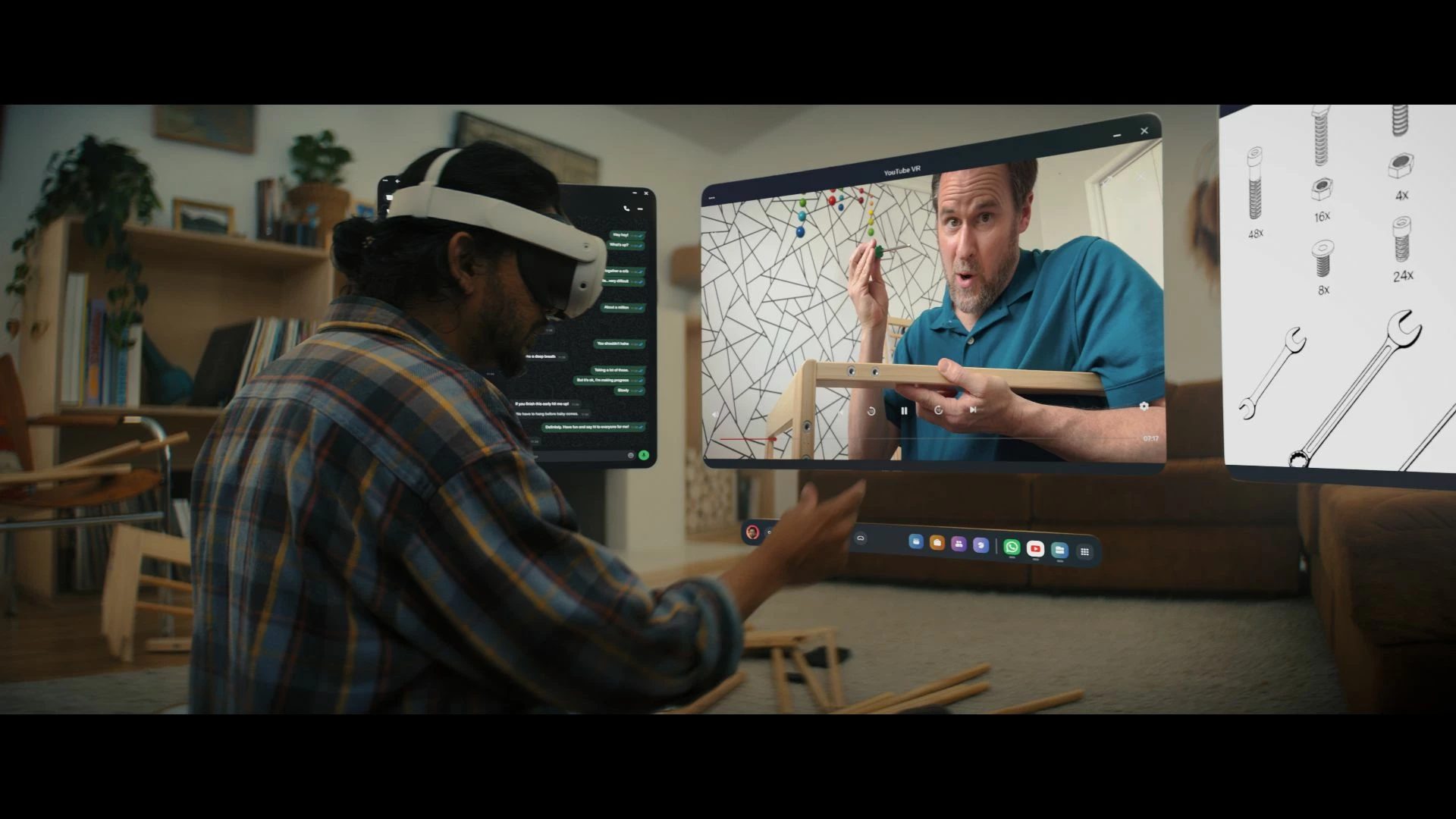
These features and enhancements are becoming available starting this week of July 8, 2024 and are pushed to Meta Quest 3, Meta Quest Pro and Meta Quest 2 headsets. Please note that you can find the most up to date release notes on our release notes article and you can check out our v67 blog as well for more details.

New window layout

 
We’re adding the ability to move windows around when you have multiple apps open in your headset. You can reposition windows anywhere. You can also watch content on a large screen by selecting the theater view on any window’s control bar.

You can find this feature under Experimental in Settings.


Creator content in Horizon Feed


We’re introducing new creator videos to Horizon Feed. You can connect with creators through reactions and sharing and jump into games and experiences directly from content in your Feed. If you are an active creator on other social networks and are interested in participating as a publisher, please let us know in the Meta Quest Community Discord.

  • This feature is rolling out gradually


Swipe Typing


We’ve added the ability to use swipe typing to enter text when using your headset. Cut down on typing by sliding your finger or cursor from letter to letter to spell words. You can turn this feature on by going to Settings, then System, then Keyboard and selecting the toggle next to Swipe Typing.


Eye tracking improvements (Quest Pro only)


We’ve made further improvements to eye tracking on Quest Pro. For the most accurate eye tracking, you can always recalibrate by going to Movement tracking in Settings, then Eye tracking and selecting Calibrate next to Calibrate eye tracking.


Do Not Disturb improvements


We’ve made a number of improvements to the Do Not Disturb setting. You can now select different durations for Do Not Disturb. You can turn this feature on from Quick settings. If you have Do Not Disturb turned on, you can also control this feature from Notifications.


Wi-Fi QR code scanner (Quest 3 only)


You can now scan a Wi-Fi QR code to connect to a valid Wi-Fi network with your Quest 3 headset. To scan a QR code, go to Wi-Fi in Settings and tap Scan QR Code.


Immersive media continuity

You can now open Quest TV or use File Viewer to watch immersive videos without quitting your current immersive app.

78 replies

MetaStoreHelp
Community Manager
February 2, 2025

Hi there! For updates regarding achievement system you would need to get in contact with our Developer Support.


  1. Navigate to Developer Support
  2. Log in to your Meta Horizon Developer account
  • In order to access the Developer Support Portal, your account must be verified as a developer.
    For more information on verifying as a developer, please review our FAQ page.
  1. In the top right, click Contact Us. 

We hope this helps!

If you're the author of a thread, remember to mark a reply as the Accepted Solution to help others find answers!
MetaStoreHelp
Community Manager
February 3, 2025

Hi there!


We're just checking in with you as it's been 24 hours without a response.  Do you still require assistance with your query?  


Thank you.

If you're the author of a thread, remember to mark a reply as the Accepted Solution to help others find answers!
New Participant
April 1, 2025
New Participant
April 10, 2025

theirs a bug that still exists where the quest 3 says its water damage or debris inside and it dose it like every 20 to 50 minutes this bug needs to be addressed in the next update!

New Participant
April 10, 2025

this is only when using wired link 

Inspiring
April 25, 2025

Dudes, you just shadow installed like ten Horizon Worlds right there in among all my [mostly] curated games/apps. You cannot believe how much you've just pissed me off as a consumer. As someone with OCD/OCPD, it is literally causing me psychological damage when I go into my once mostly curated game/app menu [despite your best attempts to make this nigh impossible] and now have to navigate almost as many of your crappy Horizon Worlds as games/apps I actually chose to install myself. And there's apparently no way to uninstall them or even just remove them from the filter to only show my very specifically chosen games/apps. This feels like an abuse of what I signed up for when I bought a VR headset to play some VR games. I truly wish there was some legit way to start a class-action lawsuit for stuff like this and get all your forced bloatware removed from my device!

www.inceptional.com
Participant
April 25, 2025

plus providing options such as scoreboard


Meta, why??

New Participant
April 27, 2025

I have an oculus one I believe but I can't get passed code and on my head set it won't move from there it keeps telling me to go to finish set up on phone meta quest but when I get there I don't know what to do I've try everything thing it asks but still can't get in can anybody help me please


Up and Coming
May 8, 2025

this update is absolute BS. Quest link has stopped working on all USB3 ports.

MetaStoreHelp
Community Manager
May 8, 2025

Hi there,


We understand you are encountering issues with Meta Quest Link. For us to further investigate, we would like to encourage you to reach out to us through private messages.


Please select our name to get to our profile page, or click here: https://metaque.st/CommunitySupport. Next, click "Send a Message" to privately message us! Please remember, you must be signed into the community first to send us a private message.


We hope to hear from you soon!

If you're the author of a thread, remember to mark a reply as the Accepted Solution to help others find answers!