Recently active
I can't add the quest 3 to the list of devices after resetting it to factory settings. The quest 3 displays an 8-digit code to add the device. When I go to https://work.meta.com/ to register, I get an error saying "account not found"
My Oakley Meta glasses respond to “Hey Meta AI” (LED/gesture confirms response), pairing works, microphones work, but there is no audio output at all — no AI voice, no shutter sound, no system sounds.This started immediately after the battery fully drained overnight. Charging completed normally, but audio never recovered.This appears to be a hardware audio failure after deep battery discharge. I have already tried restarting, re-pairing, updating, and charging fully.
What can I do
I just purchased the Oakley Meta Vanguard and the Oakley Meta Hosten. Both of them stay connected to my phones Bluetooth even when the arms are closed and then they both interfere with each other on the meta app. I’ve tried the trouble shooting like doing a power reset and they still stay connected. These are brand new. Is it a glitch with the new IPhone IOS? I’m using a IPhone 17 Pro
Hello, when I first purchased my glasses, the Zoom feature would work great with video. Now, over the last two weeks, the assume feature only shows in the display rather when I’m recording it doesn’t actually show in the saved video. Instead, it shows my hand making the zoom motion, but no zoom is happening.
Suggestion pour apps : serait-il possible un jour d’avoir l’application Calendrier compatible avec lunettes Meta afin de pouvoir librement prendre, consulter, modifier des rendez-vous ?Etant commercial itinérant ce serait un confort, une rapidité et une sécurité d’être concentré sur la circulation routière tout en consultant cette application. Merci par avance pour vos retours sur ce sujet.
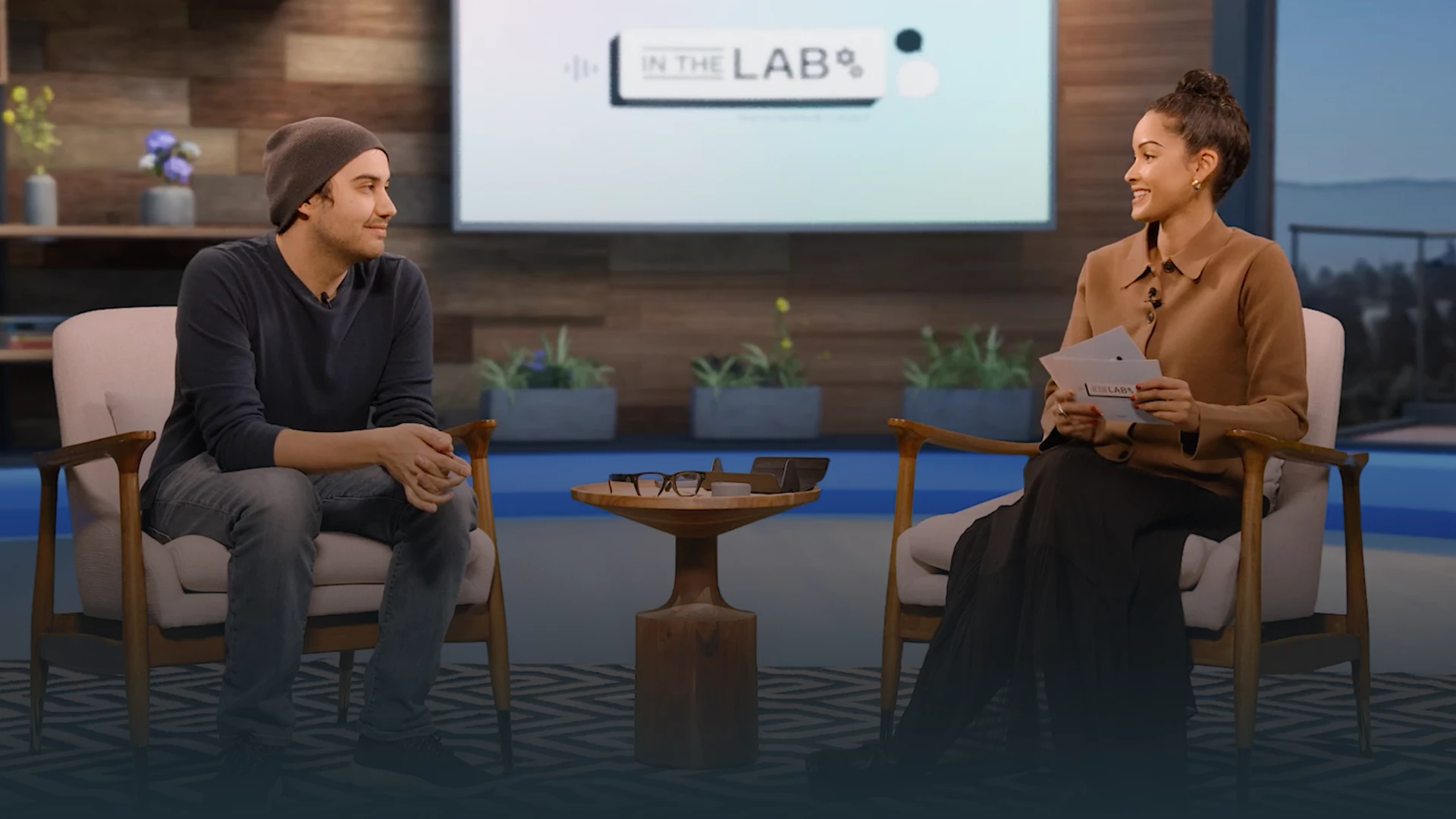
We’re excited to announce the next installment of In the Lab, the video series created by the Meta Store Support team! This series is dedicated to tackling the most pressing questions and challenges from members of our Meta Community Forums. This episode will focus on AI Glasses Issues. You’ll get expert insights, troubleshooting tips, and answers to the questions that matter most about your AI glasses experience. Please share your thoughts and any ideas you have for future episodes!
I'm one of those people who is not happy with vertical (AKA sliver) pix and vids. There may not be many of us?? People who live with their phones only look at them one way, vertical- they never turn them horizontal to get to full view of something. Yet, all our big screen TVs , movie theaters, and computer monitors are landscape. So is our vision field of view. When we are driving in our cars our view is landscape, not just a little vertical slice of the road. I guess Meta is just for the FB and vertical phone users. OK, enough of my spleen venting. Just wish the glasses were capable of taking landscape pix and vids for the rest of us. Perhaps there are others who think the same way? (Note that I sometimes do take vertical pix and vids when the occasion calls for it. )
I have bee using the Vanguard Oakley regularly. I have found a noticeable bugs/improvements:The integration with Garmin is great but during long rides if you take off your glasses (i dont even close them) the autocapture ends and when you start riding again a "new" autocapute starts. So at the end you end up with multiples sets of autocaptures and there is no way to create one video showing the complete ride. What is the best way to report this to make sure someone takes a closer lookThanks.
No matter what I do , I can’t get my mic to sound clear. When I talk to people they are always telling me I’m breaking up. The hole is clear, I’ve reset the glasses, unpaired, toggle switches on and off but they keep doing it. Anyone else have this issue? If so what did you do? Any help would be greatly appreciated.
My meta glasses are brand new and never used. I’m unable to pair them (no pulsing blue light from case) I’m unable to factory reset the glasses. When I try it blinks red a couple of times then just turns off. No solution in sight. I’ve kept them in the charger for more than a day but still nothing. Any suggestions?
When I drive before the update, I can play music CarPlay and record at the same time. Now it pauses the music. Also when I picked the one press default to take videos, when I put it in the case and use it again, reverts back to taking a photo. It’s so frustrating. The previous version was way better.Meta please fix asap. It’s unusable and annoying. I don’t even want to use this anymore. anyone else having this same issue? I read one person is also having this issue so far.
Hi, I have a problem with battery life. It woks like 20 mins and all what is using battery is turned off. Do you have any advice, please?
My login always worked with GooglePlay. Since Juli it does not. I already talked with Luxottica, they have no solution since it's a digital problem. With all new installations and resetting the META to factory settings I even have no history. The only app which knows about my connection with the glasses is my WhatsApp.I realized I could no longer log in when I could no longer see my vacation photos. I deleted the app and couldn't login anymore. Since then I tryed out with all my emails. Noting.Help, please.Oh, yes, and I was looking, if GooglePlay has any login data. Does not. I'm 200% sure I did not log off.
Hey. Hope someone can helpin the MetaAI app I am connected to all the apps as I’m supposed to do, however nothing works. Apple Health has all the right permissions but can’t tell me anything I ask it. Shazam is connected but keeps saying please connect in the meta aI app. My celebrity voices have disappeared to name a few problems. I have factory reset and deleted and reinstalled the app but nothing works. Thanks for any help you may be able to offer.
The sensor needs the option to switch between portrait and landscape filming.The Ray-Ban Meta (Gen 2) are incredible, stylish, smart, and genuinely useful but adding landscape filming capability would elevate them from great to revolutionary.It’s a small update that would make a huge difference for creators, vloggers, and professionals who think in widescreen.If the sensor had the ability to switch between portrait and landscape filming then this would make these glasses perfect. The technology inside is more than capable, the camera quality, stabilisation, and AI features are all there it just needs that small software or hardware tweak to unlock full creative freedom.Come on META - you know this right!
Vertical photo and video capture is great, but if I'm going to spend over $200 on smart glasses, I need them to be able to capture videos and photos horizontally as well.
Hello i’m also experiencing the same issue with the garmin and strava apps, I tried everything updating the app, restarting both devices even doing factory reset on the vanguard, and none of them worked, both apps doesn’t appear to me on the app neither Strava or Garmin Connect, the only ones that appear are Spotify, Apple Music (on the iphone) and Amazon Music.Don’t forget these are very expensive glasses, and connecting to my garmin watch or gps was one of the main reasons for buying these glasses, and now they don’t work? I’m in Portugal.Really would like some help and how can I solve this issue.
Hello, I have Garmin Fenix 8 and Oakley Vanguard, I have installed everything + everything is updated to latest verisons. BUT, if I want to connect Fenix 8 with META AI app, and go to section "app connections" in META AI app, i dont see in the list the GARMIN icon (to click) to connect GARMIN with META app. I see listed only "apple music", "amazon music" "spotify". As I mentioned, everything is updated, many times restarted, BUT still dont see in META Ai app the icon garmin. Do you have some similar experience? What to do please? Thanks
I tried connecting the meta ai to the garmin app but the meta ai app doesn't bring me to the garmin app. I've tried going through meta's support where I tried resetting the meta app and making sure the garmin app both connect and connect IQ are updated. It just brings me to this page and i am unable to connect the garmin app to meta. This is the page right after I press yes, allow to garmin on the meta AI app.
Hello - when replying to a text message, several times a day at random Meta will say:Meta - “message to X says blah blah blah, ready to send?”Me - “yes”Meta - “message to X says blah blah blah, ready to send?”Me - “yes”Meta - “message sent” I can’t find a pattern, I always speak clearly and it tends to work on the second try. Anyone else have this issue? This has happened across two pairs of gen 2 glasses paired with an iPhone 17 Pro Max.
Anyone have Alany idea when this will roll out to everyone?Rayban, gen2I have early access and on v20…
How to connect hearing aids to my Meta glasses. I just talked with Phonak 8** and they told me that I should be able to connect my Meta glasses to my iPhone and then connect my hearing aids to the iPhone, but I can't figure how to do this. She is certain this can be done. [edited for privacy - this is a public forum]
Hi Hopefully someone can assist me, whenever I receive a call the option goes straight to my phone and when I try to select the RB Meta option to connect, it goes right back to my phone option, I have reset the Meta glasses and my phone, disconnect and turn back on the bluetooth options, my wifi is connected but it still wont let me select the connection to my Meta to answer and speak to the caller, can someone please assist me is there another connection i need to activate? &nbs
We’re excited to announce the next installment of In the Lab, the video series created by the Meta Store Support team! This series is dedicated to tackling the most pressing questions and challenges from members of our Meta Community Forums. 🎥 Episode 2 drops 12/17/25! This episode will focus on AI Glasses Issues. You’ll get expert insights, troubleshooting tips, and answers to the questions that matter most about your AI glasses experience. Stay tuned for practical solutions and community-driven discussions. Don’t miss out and get ready to join the conversation!
Facebook Support ↗
→ Facebook Login→ Facebook Disabled Account→ Facebook Hacked Account
Instagram Support ↗
→ Instagram Login→ Instagram Disabled Account→ Instagram Hacked Account
WhatsApp Support ↗
→ WhatsApp Login→ WhatsApp Disabled Account→ WhatsApp Lost/Stolen Phone
Device Support ↗
→ Store Support Team
Already have an account? Login
Enter your E-mail address. We'll send you an e-mail with instructions to reset your password.