Recently active
Got the Quest 3 ten days ago. I've gotten warnings about USB-port containing some debris or liquid, when unplugging or plugging the USB-cable to Quest 3. This has also happened when I power up the headset with its power button. It is a popup window with this warning message. I have no idea if this is software or hardware issue. I got this message first time when I booted the headset for the very first time and plugged the USB-cable to headset. There is obviously no liquid damage or visible debris in the USB port, the device charges OK, I've charged the headset maybe 2 to 3 times, and today I again got a warning when I pressed the power button and the headset booted.
The game crashed while fighting Sakhmet,now the "eye of Ra does not teleport me to Sakhmet ... so I cannot continue ?
Here are some tips and steps to help troubleshoot any pairing issues you may run into when connecting your Meta Quest headset with your mobile device.
The title should be self-explanatory; My oculus software is detecting my USB 3.0 cable(the Anker one that was recommended before the official link cable) and USB 3.0 port as USB 2.0. I've gone and tried to update my drivers, including uninstall/reinstall, to no avail. Any suggestions for a fix? For reference, both my Quest and PC are running the latest versions, and my PC is link compatible.
Hi I just got my Quest Pro controllers today and paired them to my headset (Quest 2), however I can't use them and a little pop up saying "Controller update in progress (Left 0%) (Right 0%)" keeps appearing evey 30 seconds, I left the controllers a while to update but they never progress past 0%
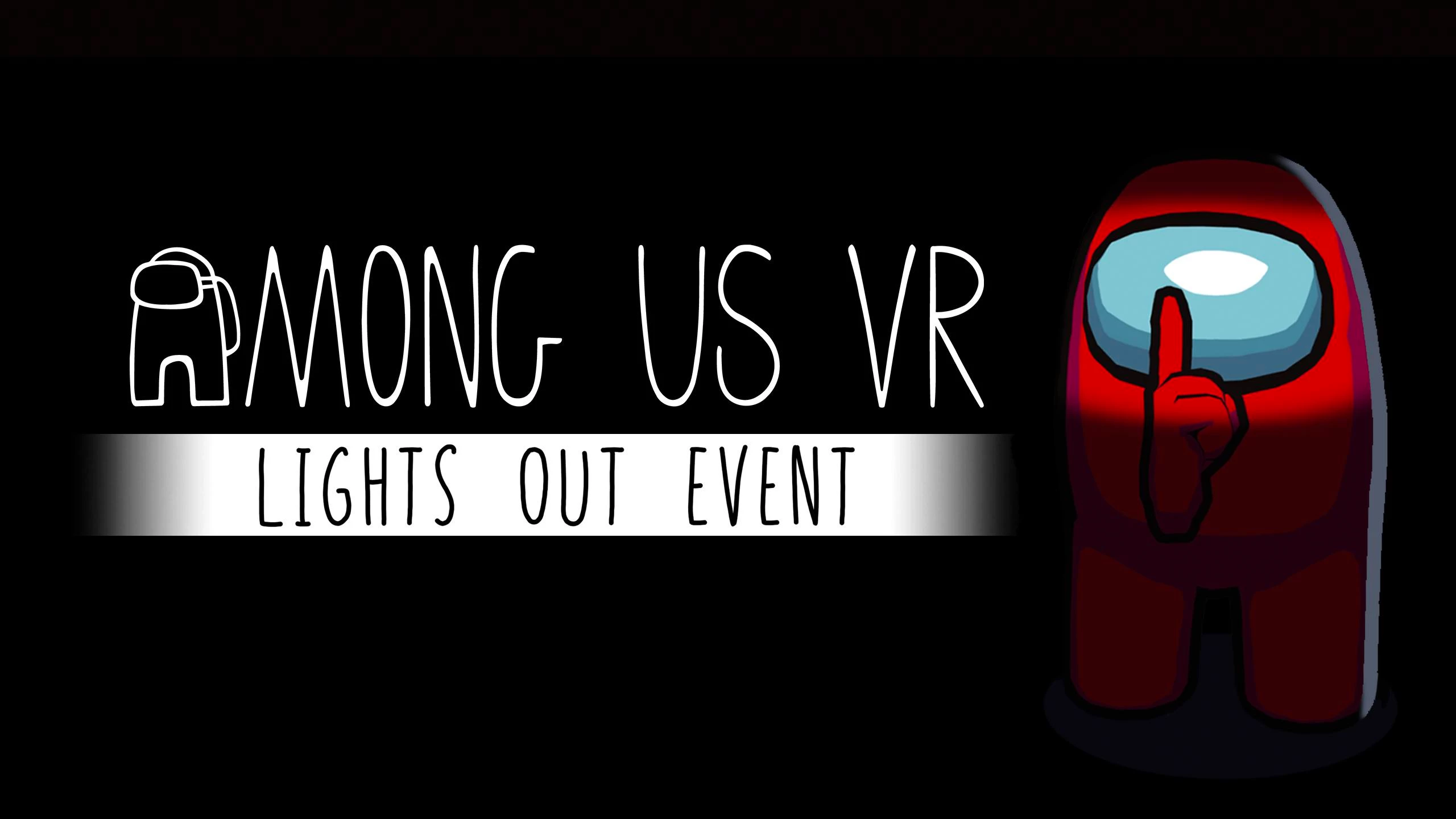
Among Us VR is kicking off 2024 with its first-ever Limited Time Event, “Lights Out.” From now until March 12, you’ll be able to hop into this new tug-of-war style mode where Crewmates battle Impostors to keep the lights on. As a Crewmate, each task you complete turns the lights on a little more and makes it easier to see—though, of course, Impostors will try to sabotage your work and bring back the darkness. Better for committing nefarious deeds. Learn more on the blog: https://www.meta.com/blog/quest/among-us-vr-limited-time-event-lights-out-meta-quest-3
These features and enhancements will gradually become available starting the week of December 4, 2023 and will be pushed to Meta Quest 3, Meta Quest Pro and Meta Quest 2 headsets. Please note that you can find the most up to date release notes on our release notes article and you can check out our v60 blog as well for more details. New Horizon Home environments There are 3 new Horizon Home environments for you to download and explore: Blue Hill Gold Mine, Storybook, and Lakeside Peak. Learn more about how to change your virtual environment and how to invite people to join you in your Horizon Home. Layout utility app Layout is a new utility app that helps you spatially measure, align and visualize real world objects directly in your physical space. Some things you can do with Layout include: Measure the square footage of a living room. Visualize the size and placement of a 72” TV on the wall. Visualize furniture in your living room. Measure the
Oculus Tray Tool current version: 0.87.3What is it? In short; It’s a free application that helps you get the most out of your Rift. It is developed by me, ApollyonVR, with the support of the community for beta testing. Please note that this application is not an official piece software from Oculus, I am not affiliated with Oculus in any way. Any issues youhave with this application should be reported to me and not Oculus support. You can reach me here on the forums or by contacting me at *REDACTED* Oculus Tray Tool (OTT) has many features that will hopefully help you get the very best VR experience. It has options that help you automatically switch audio and microphone to the Rift and back, handle the Oculus runtime service, voice commands, batch import Steam games (added to OTT by the awesome headkaze over at http://headsoft.com.au), replace icons for your games and more.It’s primary feature however, is the ability to create “Profiles” for you VR Games and apps.Within these Prof
I have just spent the best part of an hour trying to figure out how to get Elite Dangerous to work in VR and I have give up. Below is what I found on the internet, but all I see in the 3D option is an option for ANAGLYPH or SIDE BY SIDE? How do I get this game to work in VR? This is driving me nuts. Cheers!Start the game in Steam and then click "Launch" in the Elite Dangerous Launcher. Once the game launched go to Options, and then Graphics. Navigate to 3D and select either HMD (Headphones) or HMD (Speakers), whichever you are using.
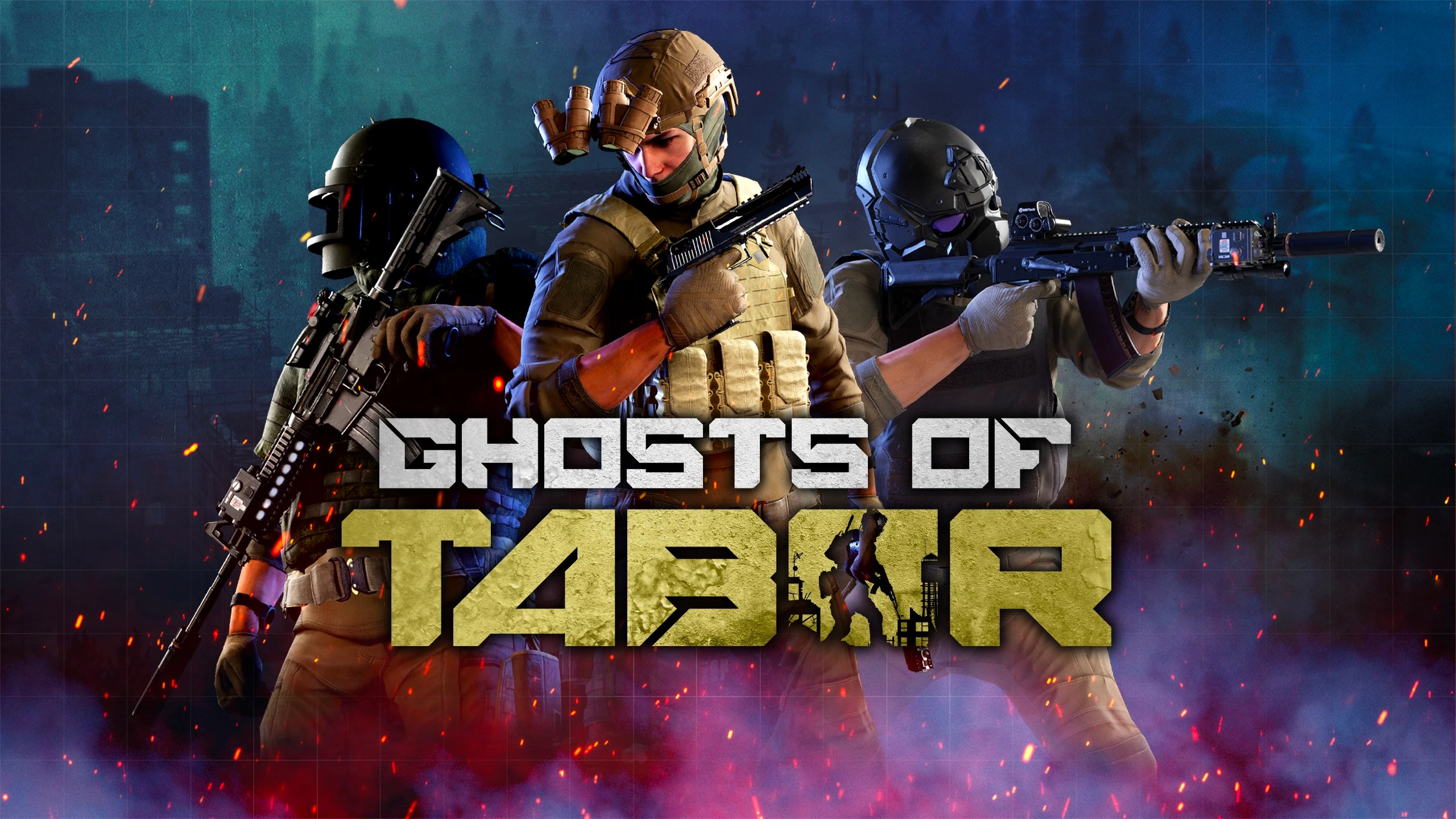
Ghosts of Tabor originally launched last March on App Lab, bringing the excitement of a survival-extraction shooter to Meta Quest. Trapped and isolated in the aftermath of “the nuclear night”, you and your squad must scavenge for supplies, take down enemy factions (both player- and AI-controlled), and escape with your haul, ready to regroup and fight another day. It’s a tense experience and already became a hit on App Lab as developer Combat Waffle Studios worked to complete the game. Today marks the official launch of Ghosts of Tabor on the Meta Quest Store for Quest 2, 3, and Pro. Remember, trust no one! Learn more on the blog: https://www.meta.com/blog/quest/ghosts-of-tabor-launch-meta-quest-3
Hi,I know the answer may already be in the forum in some form based on what I've already read but there are so many permutations on this issue I want to be sure I get the right answer for my specific situation.My son setup his quest 3 with his meta account. I presume this makes him the "admin" for this device. Since then I have setup my own account and set it as a supervisor/parent account. It's not clear if my son remains the 'admin' for this headset or if it's me now that I'm supervising his account. 1st question: is it likely that my son is still admin on this headset?We've both been able to log in and use the headset with both our accounts.2nd question: i want to buy a new app (bonelab) that my son wants. Should I purchase this through his (assuming he is still the admin) account or my account? I want to ensure we are both able to play the game on the headset. Some of my reading indicates I should use the admin account and enable app sharing to be able to do this? Is this corr
I have a Meta Rayban Stories, but is has been unused since there is no Meta View app in the Dutch app store. Weird thing is that the app states that Dutch language is supported...Could anyone PLEASE add the Meta View app to the Dutch App Store? Both Belgium and Germany have it, why not Netherlands??Thanks!!
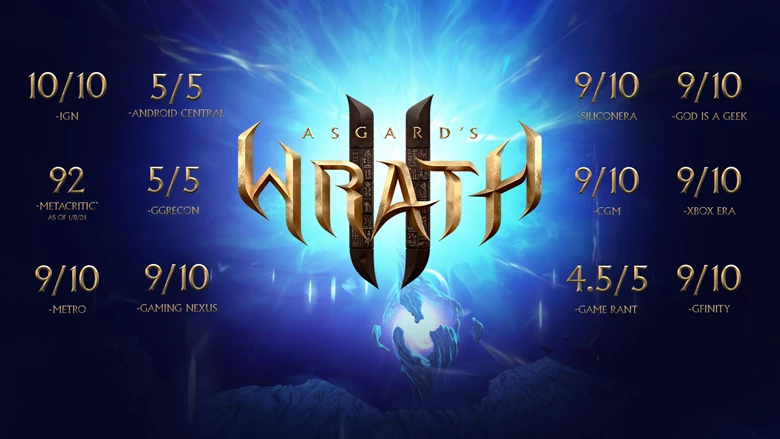
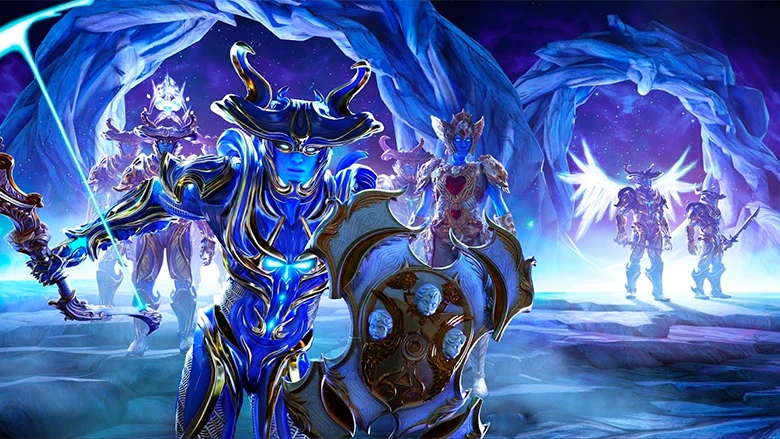
The critics have spoken, and Asgard’s Wrath 2 is a verifiable hit. The reception has been incredible, and we’re humbled by the response. A massive “thank you” goes out to all the players who’ve jumped in to explore new realms. Learn more on the blog: https://www.meta.com/blog/quest/asgards-wrath-2-critical-acclaim-review-quotes-extended-bundle-quest-3
Hi,I was wondering how to disable the head tracked dot(cursor) when I'm not using the Oculus controllers. I'm running an APK, and after a while of not using my controllers, they go away (sometimes in my face, but that's another issue), and it shows a white dot that can be used as a cursor (using volume buttons to click). However, when using an android app with a gamepad, the dot is incredibly annoying, and makes the experience unplayable. So how do we disable the dot?Thanks,Peter
Picked up a Rift S recently and it refuses to work because of the well-known displayport issue. I've already submitted a ticket, but I thought I'd try to gather info from the community as to which fixes worked and which didn't.The specific issue I'm talking about is where after connecting the Rift S, both connections will seem OK for a few seconds, but then the Displayport disconnects and you're left with one of these status screens in the Oculus app:There's plenty of speculation as to the cause of this issue and no official word from Oculus as far as my research goes, the most likely culprits seem to be a power delivery issue where the headset is drawing too much power for the USB port to keep up (which, for some reason, causes an issue with the DP connection rather than the USB one), a bad cable, or a software/firmware issue caused by the 2019 update that brought Facebook integration to the Oculus app (this is, again, pure speculation, but there are a few articles that suggest these
Hello there
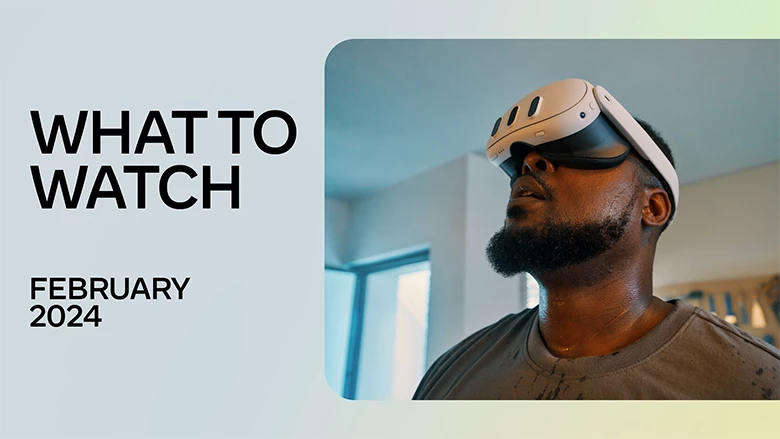
From the NBA to Naruto, YouTube to the UFC, there’s a wealth of content to watch on Meta Quest this month. Learn more on the blog: https://www.meta.com/blog/quest/what-to-watch-free-meta-quest-tv-vr-film
Hi everyone I'm new, good morning
i have a quest 2 and use it on link but it wont work at all because when i click the button here it just does nothing in the quest when i click enable link it loads for a few seconds and just reloads the home area (nothing happens)please help my quest 2 is unusable for pcvr like this and it seems like such a simple thing
jibo.jpg1. It has a pair of stereo cameras.2. It has 360 degree microphone.3. It has speakers.4. It has a "neck".5. It has a front facing screen.6. It has an SDK.https://www.youtube.com/watch?v=3N1Q8oFpX1Y
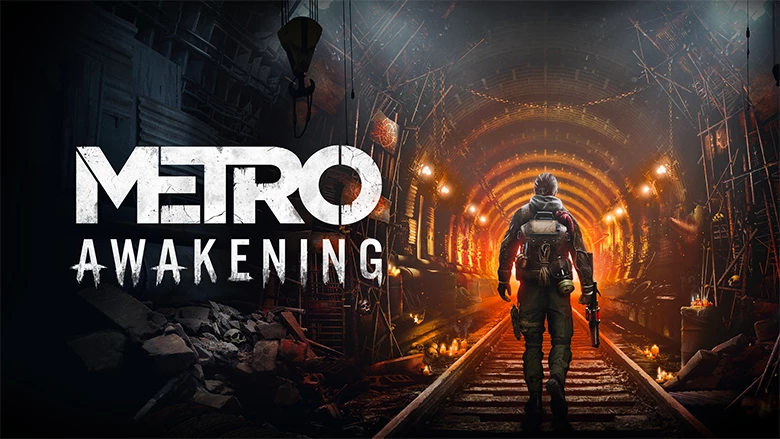
Vertigo Games and Deep Silver are proud to announce that they’re bringing an all-new narrative-driven VR adventure to Meta Quest 2, 3, and Pro, PS VR2, and PC VR later this year. A prequel from Metro series author and creator Dmitry Glukhovsky, Metro Awakening will plunge players headlong into an unforgiving post-apocalyptic world that blends atmospheric exploration, storytelling, stealth, and combat. Learn more on the blog: https://www.meta.com/blog/quest/metro-awakening-vertigo-games-deep-silver-dmitry-glukhovsky
Welcome to the Meta Community Forums! The community members here are great at helping find solutions to all sorts of trouble. So if you're running into anything, or want to help others, please feel free to jump in. And if the community can't help out, we're around to help as well. If you need to speak with an agent directly, please contact our support team here. Having trouble with a Facebook or Instagram account? The best place to go for help with those accounts is the Facebook Help Center or the Instagram Help Center. Our team isn't able to assist with those account troubles. To get help with Meta Quest products, start with searching for similar issues, people likely have run into what you're seeing and there may already be a great solution. If you can’t find a related topic to what you’re looking for with the search, create a new thread and the community will lend a hand. To help us help you, please provide as many details about what you’re seeing as possib
Anyone knows if Miss Laine Campbell has any plan to improve Meta's main product's user account system reliability? Because at this pace, the 2 billions MAU will become 2 billions MAB... Yeah just full of bots scammers.**bleep** if you can't hire good managers nor good engineers, I guess some of us will have to go give you a hand before the humanity is taken away.Seriously, improve your **bleep** system! How dumb it is to let scammers take full control of users account?
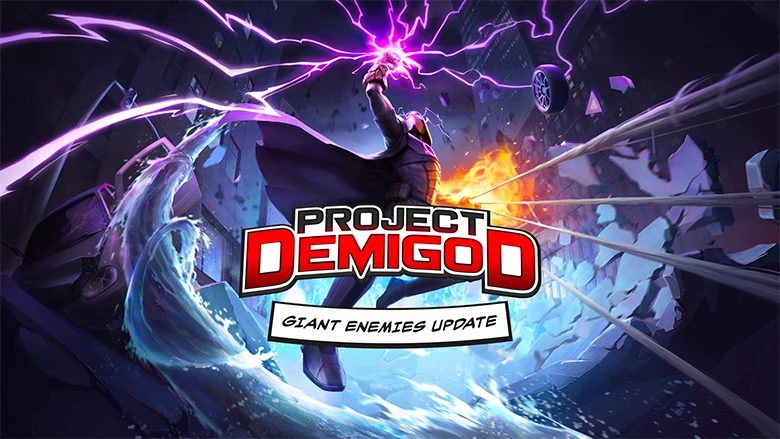
With 10 ability sets and counting and dozens of possible combinations, Project Demigod lets you live out your superhero fantasies with satisfying physics-driven combat. And with over 100,000 copies sold to-date and the publishing prowess of Fast Travel Games game behind it, the brain child of solo indie dev and Omnifarious Studios Founder Cory Robertson lets you step inside the pages of a comic book saga like never before. It’s already built an impressive community on App Lab. And today, it graduates to the Meta Quest Store. Learn more on the blog: https://www.meta.com/blog/quest/project-demigod-launch-omnifarious-studios-fast-travel-games
Asgard’s Wrath 2 has been out in the wild for just over six weeks now, and it’s been a little over a month since the first patch went live. The dev team has been hard at work cooking up some new content for the fans. Today, and fresh off its win as Best AR/VR Game at the 2024 New York Game Awards, we’re excited to share the fruits of their labors with the launch of the game’s second Cosmic Event: Into the Multiverse! Learn more on the blog: https://www.meta.com/blog/quest/asgards-wrath-2-cosmic-events-into-the-multiverse
Already have an account? Login
Enter your E-mail address. We'll send you an e-mail with instructions to reset your password.