Recently active
Good morning,My 10 year old son recently was on my Meta Quest 2 and something prompted his age, and he said 10. Meta locked my account. Searching through the website I have no direct way to contact Meta to resolve this issue. Its been quite some time, but my kid wants to play on the headset again, and I cannot even log into my account on computer. The support page sends me in an endless loop of generic answers to questions and does not allow me to contact a human to talk to. I have many purchases on that account, and at a minimum would like my purchases transferred over to my new account which I had to create. Who do I contact? How do I contact? I'm lost. R/Dave
I cannot install Oculus Link app on my PC, I have tried disabling the firewall and virus protection, still does not work
I just purchased the Meta Quest 3S and have been trying to set it up for the past two hours now with no luck. I downloaded Meta Quest Link and am trying to detect the device. It says:Put on your headset and go to Settings > System > Link to enable Link.Except after booting up the device the for the first time, running all the updates, etc., I'm stuck at the "Pair your device with the Meta Horizons app to continue" message.Okay... I don't want to do that, but if I have to, I will. I install the app, log in with my account, and tell the app to detect my device.It doesn't. It just doesn't do anything. I tap the button for all it's worth and nothing's happening.Did I just buy a brick? Why is this like this? Why can't I just scan a QR code in the Meta Quest app with the device and bingo? HOW CAN I GET AROUND THIS SO I CAN ACTUALLY USE MY DEVICE???
Hi everyone,I am reopening this issue because it still happens in 2025.My Quest 3 loses all PC audio when using Link cable. Windows shows “Oculus Virtual Audio Device” and the audio meter moves, but there is no sound in the headset.Cable has been tested by the app and works at full speed.If I use the “Repair” option in the Meta/Oculus PC app, the audio works again. But after a few days, the problem returns and I have to run Repair again. This happens almost every week.This makes the headset annoying to use because repairing the app takes several minutes and should not be necessary for basic audio output.Why this is a problem:-Repairing the app every time: takes several minutes-closes services and restarts the PC app-sometimes resets parts of the configuration-shouldn’t be necessary for such a basic featureWhat I already checked:-Oculus Virtual Audio Device set as default in Windows-Volume and sound device settings are correct-Good USB 3 cable and port-Quest audio works fine in standalo
Hi , I have an issue were my windows 11 system sees my headset and it comes up on the link app as ok. I can run a test on the cable and get good speed. But when I go in my headset set and click the link button it then starts to go to the connection screen with the Meta symbol and the 3 dots and just stays there. I have reset the headset to default reinstalled the link soft ware and it still doing the same thing. It did do an update of the link and the drivers but after it does this it doesn’t work. Just the meta Symbol and the 3 dots. I have tryed 2 cables with the same result. Please help.
Hello, I had the same issue like many people for days and tried many ways to fix it.It seems I was succesful today (or maybe Meta Devs fixed the installer...)The main idea is to copy/paste client.exe in the same folder and rename the copy into OculusClient.exe during the repair of the installation.Here is the fix step by step : Open Uninstall or Modify programs (appwiz.cpl ) in WindowsRight click on Oculus (editor Facebook Technologies, LLC) and select ModifyClick RepairYou will see the full download of the application and the install startsDuring the installation , check the content of the folderC:\Program Files\Oculus\Support\oculus-client (or two level higher C:\Program Files\Oculus until support and oculus-client folders appear)When it is there, open it and copy/paste client.exe then rename the copy OculusClient.exeWait for the installation to finish without any error. Meta Quest link application will start and perform updates (I had 7 small ones)Oc
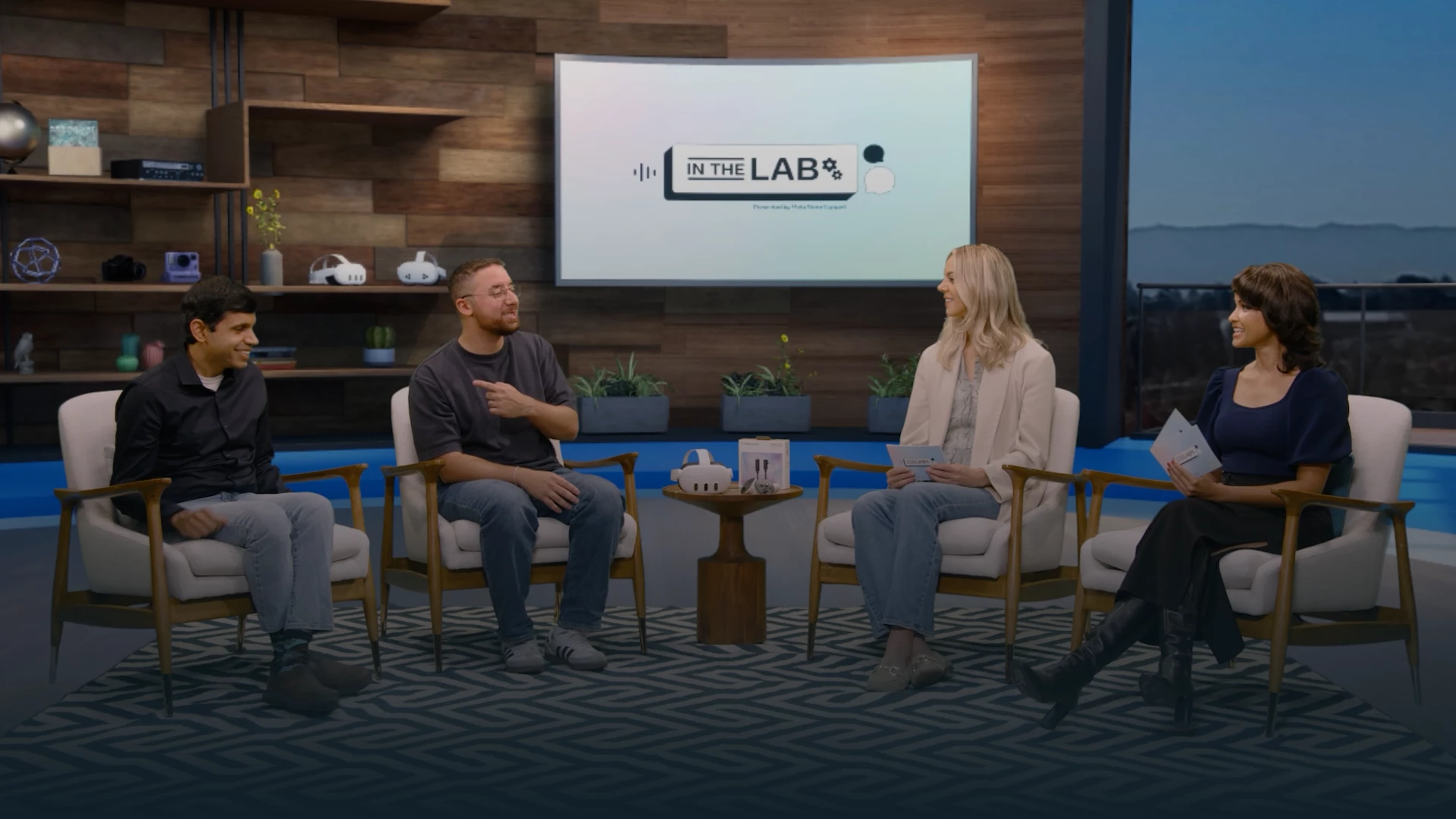
"In the Lab" is a new video series designed to spotlight the most pressing questions and challenges faced by members of the Meta Store Support Community Forums. Learn from subject matter experts at Meta who will be providing tips, guidance, and practical solutions for top customer inquiries from our community. This first episode covers Meta Quest Link & PCVR issues. Learn about Meta Quest Link and Air Link setup best practices, PC requirements, troubleshooting tips, and a new feature coming soon to Meta Quest Link. Please share your thoughts and any ideas you have for future episodes!
My brand new oculus is extremely distorted and shows artefacts, cants get any support based on this, the official website just gives out errors, I’m about to refund this garbage I’ve been trying this for nearly two weeks.
Hey everyone, I’ve been trying to check out some of my drafting work in the Quest from my site, USA Drafts Man but I’m running into some issues. The drawings look fine at first, but when I zoom in, the lines get kind of blurry and some of the details aren’t super clear. A few of the bigger files also lag a bit when I move around in the viewer.They look totally fine on my desktop, so I’m not sure if it’s the headset or the file format. Anyone here have tips on the best viewer or settings for looking at detailed plans in VR?
I've had my Meta Quest 3 for three days. On the first day, after the initial setup and update, a message appeared indicating moisture in the USB port. There was absolutely no contact with liquids. From then on, every time I tried to charge it, it gave an error until it displayed an error message saying it would disable USB-C. I haven't been able to reactivate it since. The only way I can charge it is by forcing a power-off using the Meta and volume down button combination. What can I do?
Hi. I wrote last week-end. I had a problem for give the answer. I'm sorry. Ok, i have a problem with my connexion. I open my mask and open my session. I see to username. When i connect my session they ask me my access code (code d'accès). It's the first time they ask me my a code to open my session. When i try to open wife's session i have access to his account. It's really strange. I don't understand. How can i find my access code.[edited for privacy - this is a public forum]
Our quest 2 has worked just fine up until now. We got a black screen that would not go away so we did a factory reset. Now after i added my primary profile back in everytime I try and add my son's account for the secondary it tells me "something went wrong, please try again later."Any ideas on how to fix this?
I have done a factory reset on my vr, it was deleted off my app so it’s showing I don’t have a device on my account. I can not get my vr to connect to my wifi because the screen stays black on my vr. I have tried to do a warranty on it but they won’t do anything because it shows I don’t have a device on my account. how can I fix this for my son!? It was a birthday present and he hasn’t been able to use it for over 3 weeks now…
need free games
I got today and I don't know how to use vr oculus 3.
Hi, I wanted to try get help from meta support themselves but apparently they don't recognise my devices serial number so that's why I'm posting in the quest forums.I think my cable is at the end of its life and I can't find any official replacements online, I have tried the software-side solutions such as FixMyRiftS.ps1 and uplugging/replugging/off/on/forget my device fixes, I have also made sure it isn't the usb-c adapter as it's connected through displayport and the usb-3 part IS being detected. I have included a screenshot of the meta app.Thanks for any help.Kind regards,Conor
I’m dealing with a persistent issue with one of the games on my Meta Quest account – The Walking Dead. When I click the “Więcej” (“More”) button, the key icon that should allow me to redeem the full game code simply doesn’t appear. I’ve already provided clear evidence in my native language UI to Meta Support, but they are not cooperating or offering a solution.I’m requesting that my demo account be cleared or that the cached data marking the demo as “played” be removed. This problem has been reported by other users on Reddit, yet it still hasn’t been addressed by Meta. The button is still missing in those games, whereas the other has it Moreover, when I have entered game page without logging into account, the button appears (I have tried to click it and then logging in, but the issue still prevents me to paste the game gift code)Has anyone here managed to work around this issue and successfully redeem a game code after playing the demo? Any help would be appreciated
How do i see an use my ipad desktop through my vr headset ?
Hello, i just got the quest 3 today and the set up went smooth. However, I have tried connecting 2 different via Bluetooth and after waiting I get an error message. I thought it was maybe an error on the audio so I tried connecting a ps5 controller via Bluetooth to see if it works and I got the same error. I searched on youtube and the pairing process seems so simple and I don't know what im doing wrong. It seems it's an issue with me headset, anyone else had this issue? I've spend most of my day trying to fix this as I need headphones since I live with my family. Any help will be appreciate it.
Hi, I need help with an issue on my Meta Quest 3S.There are three profiles on the headset:1. Owner (primary profile)2. Secondary profile3. My new profile (my own Meta account)Unknown Sources shows correctly on the owner and secondary profiles.But on my new profile, the Unknown Sources tab does not appear at all in the App Library.This issue started after updating to V81 PTC.Steps I already tried:- Created a new Meta account using Gmail- Logged into the Meta Horizon app with the same account- Joined / created a Developer Organization- Developer Mode is enabled in the Meta Horizon / Meta Link app- Restarted the headset multiple times- Device owner confirmed Developer Mode is still OnI am wondering if this is a known bug on V81 PTC for additional profiles on Quest 3S.Any suggestions or fixes would be greatly appreciated. Thank you!
Can anyone help? I have tried all ways to log into my meta quest, when I switch it on it gives me a code and when I type it in online it says incorrect. I have tried restarting and different codes. I have downloaded the app to try and pair to my phone and it suggests entering a code from the meta screen however there’s no code there. I have logged in online through Facebook and I think the email address may be the issue as I have a previous account with this email, I’m unsure how to create a new one on the head set itself as I can’t get anything on the screen apart from 8 digit code
I understand the announcement for the Meta Quest 2 not being feature updated after 2026 and only critical updates through 2027. My question is, will the game apps that we currently have on our Quest 2 continue to be updated past 2026 and 2027?
Hi out of all my friends and family that are currently using Quest 3 and have purchased a subscription for Horizon+ monthly games only my account is different. I don't get any free Meta credits and there are no other perks or a perk section. I do have access to the 2 monthly games as well as the other games under the main section but my friends all have a couple more sections of free games and discounts available to them .when I asked about this support said that not all accounts get the same benefits!? That seems like I'm getti g ripped off as I'm paying the same amount and getting less. Can anyone explain this ?
my old Oculus account was never migrated so I can’t sign in anymore.But I bought The Walking Dead Saints & Sinners while my Facebook account was linked to my Oculus account.The purchase should appear on my Facebook commerce history.I’ve already created a new Meta account, so I need you to transfer my Facebook-linked entitlement for this game to my new Meta account.
i am getting this error in my pc. the thing is that i´ve used normally my rift s with the xg mobile egpu "rx 6850m xt" but now that i've changed to a quest 2, ir doesnt want to open any more. i tríes what many posts did, and i've extracted this log.20/11 12:52:17.339 {!ERROR!} [Kernel:Error] OVR Error: Code: -3006 -- ovrError_DisplayInit Description: Error reading vendor and device Id OVRTime: 2177.028805 Time: 2025-11-20 12:52:17 [340:140:300]ive tried uninstalling, repairing, checking the services and all. and i'm still getting this error and ir diez mot want to "Reach Link Service".can somebody please help :c
Already have an account? Login
Enter your E-mail address. We'll send you an e-mail with instructions to reset your password.