Recently active
Hi. Someone has hacked my grandsons name and now got all his games and apps that we purchased. How can we get them back. Thanks
Are you out of your mind or this is an attempt to kill the community so you won't receive this much complaints/bugs/technical issues posts?I have been full stack developing professional software for more than a decade, including web portals for every sort of company, desktop apps, backend, microservices supported by message brokers and whatever you can imagine.Not a single time in my mind has ever popped up the stupidest idea of putting an infinite scroll feature (aka Show More) to a grid, a chat, or whatever function that shows a consistent number of records.It's supposed to be navigated by paging (aka Page 1 of XXXX) exactly because when the content is high in volume it's much easier to manage and one can remember easily where it was.I am flabbergasted, frustrated and confused.Fire whoever had this idea and stop making dumb choices.AND PUT BACK PAGING ON THE FORUMS NOW!
Hi, I found a serious issue today(Aug 8, 2025)My score in horizon world-bugs! was suddenly reset to 0. Before this, I was 1st place with a big lead. Now scores in several categories and all collected resources reset to 0, and new collections don't add points, but my overall score still shows 1st place. The 2nd place score is unaffected. Please check server logs, restore my original score, and adjust the leaderboard. Please restore scores and fix the bug. Thank you for your assistance.XYAstro
About a month ago Drop Dead coop play broke. One can create a room but the invite button no longer works. On June 23, 2025 the developer posted:Hey, thanks for your feedback. We completely understand the frustration. Dual Strike uses an older multiplayer system that relies on a deprecated API. Meta had stated it would continue working for existing apps, but unfortunately we are now running into issues. We have reached out to Meta and are waiting to see if they can resolve it. If not, we will need to make some big changes on our end, which will take time. We really appreciate your patience and support as we work through this.This needs to be fixed or all funds returned to the buyers as game no longer plays as is currently being advertised and promoted through Meta.
My controllers wouldn’t pair and I did a factory reset, now it’s telling me to remove the tags that were already removed? So I tried to use my warranty but it’s telling me to pair my vr to meta ( it removed itself for some reason ) and I can’t do that since the controllers won’t pair.
Hi, I bought a meta QUEST 3s a few days ago (second hand). Before buying it, I watched a lot of videos. The screen quality and mixed reality was good in the videos, but after buying it, when I started using it I noticed that it is not as good as the videos, especially the application icons in the main menu are blurry.When I open a video from YouTube, even though I set the quality to 1440 or 4k, the video quality remains visibly lower than 1080p. Even objects very close to me in games or in the main menu are blurry. The mixed reality quality is not as good as in the videos. There is a lot of tingling and the quality is extremely low. Is this a hardware or software problem? Or is it just the device that makes it seem weird to me?
Life was much easier when it was 386 vs 486. You knew where you stood.The CPU requirement for the Worlds Desktop Editor is Intel i5-4590 and up.My laptop sports an Intel Celeron N5095.I don't know what either one means. I just want to know if I'm good or not.TIA. 🙂
Since the last update my Quest 3 headset will only charge up to 75%. Is this a known issue?
Can someone tell me why when buying two headsets and setting up an account for your 10 to 12 year-old as a parent you cannot even play with them in fact the game is structured so that they can play with random people but they cannot join their parents it’s probably the worst design I have ever seen. Letting them join random foul mouth lobbies, but they cannot play a game like population One with their parent is crazy to me. What a waste of $1000. We literally have to keep joining training lobbies at the same time to hope we land in the same one and then we can play together.
My ocilus screen is black and my controllers keep ringing
Are you experiencing issues upgrading your Quest 2 headset to v79 with the software update tool? I have taken an hour or so to troubleshoot, and the software tool is not displaying a list of headsets in the browser when connecting with a USB. The software update page notes that Quest 2 is also included in v79, however I am wondering if they have just given up on Quest 2 updates altogether. My warranty has long expired, and I really do not want to purchase another headset at this time. Thanks!
What a catch 22: I needed support to help with a grayed out "Pair To PC with Mixed Reality Link" option in the advanced settings, but when I try to log in to contact support, my account is showing that I don't have any devices linked to my account. I try this over and over. I can see the avatar I created on my headset, but then it says again once I ask for an agent that it can't help due to the lack of a device on my account. I tried to authenticate via my email and Serial number, but both come back with "can't find account" notices. Any ideas?
When I try to play a game it will turn on its own and make the game unplayable
Like many others, I encountered the low memory problem while playing. According to the instructions, I checked that backups were enabled, then deleted the game data, deleted the game and reinstalled it. After that, I followed the link https://secure.oculus.com/my/cloud-backup/ and restored the backup of the saves before deleting. When I launched the game, I saw that it starts from the very beginning and does not see the saves. After that, I tried to restore the saves from the backup many times, but each time I started it, I started from the beginning. What should I do to make the backup work?
So today, my Quest 2 headset took a small fall off it's sitting spot and now my left eye is having a lot of troubles. I fear my headset is now proper busted.So, the left eye on my headset is not lighting up and remains black when using the headset, essentially giving me only vision in the right eye.Now, the left eye occassionally sputters back to life and I can see properly, but it's light/rendering flickers and slowly sputters away to a black screen again. I've noticed for a little bit, that some pressure on the left side of the headset would like... reactivate the left eye, however it doesn't stay for long and goes back to black the moment the pressure is gone.Apparently, no one else has issues with one of their Quest's eyes going completely black, for everything because I have been search for hours for any solutions.Note this happens on EVERYTHING. This is not just a "oh a specific app" even booting up the Quest I sometimes have just one eye, the right one. In the QUest home, I have
Hi, downloaded goosebumps dead of night on the meta app and paid but not showing on headset, done force restart and checked storage etc, any ideas?
fix your review system please i did 1 review went to do another on a game no problem went to do another review on a game and it blocked for 2 days for suspitios activity lol why is writing a review suspitios please fix your system as i would like to be able to do more than one review for a game a day thank you.PixelPrisonVrReviews
I use a link cable to play games and it has been working fine, but now when I launch the Link app and it takes me to the white room it just freezes. I've tried resetting the headset, my pc, unplugging/plugging back in, disabling Wifi, other USB 3 ports, removing device and re-adding it back on the Meta Quest Link app on PC.I just need it to stop freezing on launch. Any ideas or solutions would be greatly appreciated.
現状: Meta Quest 3S(新品)を購入し、購入前に友人からの招待リンクを踏んでMetaアカウントを作成しました。初回起動後にMeta Horizonアプリと連携し、ゲーム購入やプレイは問題ありません。購入先はAmazonで、商品説明にはEleven Table Tennisが無料ダウンロード可能とありました。(1) 招待特典が届かない: 招待リンクから登録したにもかかわらず、Quest Cash(ギフト)が付与されていません。アクティベーションから7日以内に付与されるとの情報はありますが、現時点で反映なしです。(2) Metaアカウントにデバイスが表示されない: meta.com/jp にログインして「デバイス」ページを確認すると「Metaアカウントと関連付けられたデバイスは見つかりませんでした」と表示されます。一方、Meta Horizonプロフィール設定のデバイスにはMeta Quest 3Sが正しく表示されています。このため、サポートフォームでデバイス選択ができず、手続きを進められません。(3) Amazon特典ゲームが入手できない: Eleven Table TennisをQuest Storeで検索すると通常価格で表示され、購入履歴やライブラリにもありません。Amazon注文履歴や商品ページにも引き換えコードや案内はありません。知りたいこと:(1) MetaアカウントとMeta Horizonアカウントは別物か (2) MetaアカウントのデバイスページにMeta Quest 3Sを表示させる方法 (3) 招待特典未反映時のサポート連絡方法 (4) Amazon特典の入手方法(コード送付か自動付与か、期限の有無) 【English】Situation: I purchased a brand-new Meta Quest 3S and, before buying, clicked my friend’s referral link to create a Meta account. After the first setup, I linked it with the Meta Horizon app and can purchase/play games without issues. I bought
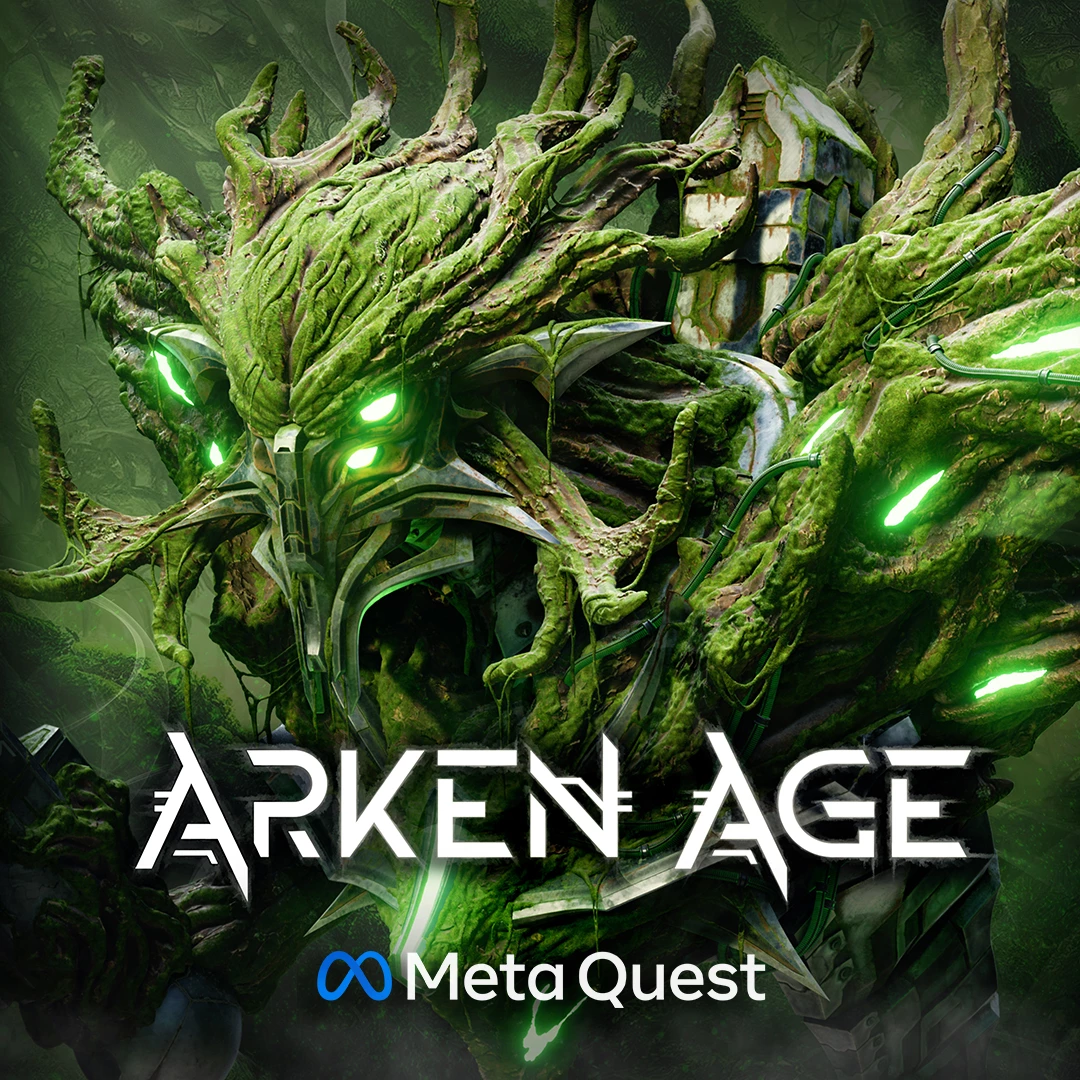
Hey guys, we’re excited to announce that Arken Age will be releasing this November on Quest 3 & 3S! And you can now Wishlist the game & watch the Reveal Trailer in the Quest Store:Arken Age originally released in January on Steam & PlayStation VR2 and feedback on the game has been amazing. Many of you have been asking for a port of the game but we wanted to take the time to ensure we deliver the best possible experience for Quest owners and that the game stays true to its original quality level. Arken Age on Quest contains 100% of the same gameplay content as the PC & PlayStation build; all weapons, enemies, & levels are included and runs at a native 72 FPS.Meeting the native 72 FPS (rather than 36 FPS with ASW) was very important to ensure the physics & combat feels crisp/responsive on Quest. And the graphics have been optimized to deliver smooth gameplay without frame-drops while staying true to the Arken Age world. We have also used a lot of the feedback
Recently my golf + game decided when it wants to work and when it doesnt some days it starts up no problem, other days it just sits on a black screen everytime u open the application what do i do?
I've been a Meta Quest owner since the Oculus days. I bought my first headset, the Oculus Go, then upgraded to the Meta Quest 2 and now the Meta Quest 3. There's certainly been a lot of progress since the beginning, but there's still something missing to make these headsets an accessory for more than just tech and gaming enthusiasts.This is why I wonder when Meta will decide to make the real leap, creating experiences that will make Meta Quest a tool everyone would truly want to own. In recent years, I've seen a lot of effort put into Horizon Worlds, but at the same time, it seems to me they're focusing on features that aren't very appealing. I say this with knowledge, as someone still mourning the loss of Altspace, which, in its simplicity, had features that already captivated many users, even those who weren't terribly tech-savvy.Apple has partially achieved this, with a headset that's overpriced and offers far fewer features, but it has, for example, included a feature that's attrac
My quest 3 was working perfectly fine yesterday. Then I wanted to turn it on 1 hour later (yesterday) but after booting up, I got no image (but when I slide the ipd adjuster, it was appearing on the screen). Then I closed it and I wanted to check the quest today. As soon as I open my quest, it started to update (my auto update are off except critical system updates) and it turned on after updating but i got nothing on the screen and controller weren't connected and the indicator light wasn't on. But I could tell that the screens were on. I waited like 6 hours but nothing. Then I tried to force close it but instead of closing, it started to update again and same thing happened after update.
Me and my bf both have a quest 3 and have been playing drop dead together since january just fine until last week. First, he wasn't able to use the "invite friends" button after creating a room. He would click on it and it would make the normal sound effect it always does but nothing would happen. However, i could still invite him from my headset so we were still able to play the game together, This week my headset has been having the same problem as his. I click on the invite friends button and it just makes a noise and nothing else happens. So now. We cant play the game together. There was a controller update on mine right before this happened to me. could this have anything to do with it?
Hello,I've been away and have not used my Quest 2 for a couple of months. Today I turned it on, it booted up normally but there is no pointer to select off the menu. Restarted a few times, did not help. I see a white dot floating across the screen but it does not seem to do anything.Any ideas for a fix? Thanks much.
Already have an account? Login
Enter your E-mail address. We'll send you an e-mail with instructions to reset your password.