Recently active
Mi laptop no detecta las Quest 2 se que no cumple los requisitos pero e visto a amigos que no cumplen los requisitos y aún haci si le detecta las Quest y a mi no me detecta ni por airlink ni por el cable y ya nosé como hacer que me detecte ni por steam vr ni por ningún otro programa me detecta las Quest
so what makes a person like birds more then Cats ......1)Birds can take care of them self they do not need anyone to clean up there pee or poop.....2) Birds also live any where from 15 to 95 years old ...3)Birds are able to learn new things from there surroundings and never are unable to learn something new ....
We’ve just purchased a quest 3 for my child for his Birthday, we’ve managed to set him up a child’s account supervised from my account (I won’t ever be using the device but set up my account just so I can manage his), but we can’t seem to cast to a tv/phone so we can watch him play? He asks us questions whilst he is playing, but we can’t help as can’t see what he’s doing, it says in order to cast we need to log in as me on the headset but then he wouldn’t be playing on his own account and wouldn’t be safe. Could you please let me know how we can set up casting from his account? Many thanks 😊
My right controller is acting erratically it’s all over the place , I have tried all 3 steps unpaired calibrating etc nothing has worked and I can’t seem to get anywhere reaching support it says no linked device found then it asked try another way (serial number) that’s not working either … only had since Christmas anyone any clue?
Hi all, So I have the Quest Meta 3 for 2 years now. When I bought it I did set up a gmail account so that one was solely for the Quest 3. I lost access to my account and I can not recover it. It was made on an old phone (logged in on it) but even the phone tells me to verify again it is mine to keep my account safe (..). Anyway, long story short: I can not recover it, even on the phone, because there is no information or anything.On this telephone I am logged in Meta Horizon with that email too. The same account as on my Quest 3. Now, if I wanna change my email I need to go into my account. If I wanna recover or change anything, the only thing Meta is able to do is to send a recovery password to my email - which I can not enter.I am logged in on my Quest 3. I have proof of payments (in the store) with my CC I still use today. Is there ANY way that Meta can help me with changing my email? I have multiple bought games and I am afraid that when there is an update
I'm visually impaired and purchased a Quest 3 in the hopes of using it as an accessibility device after it was recommended to me by a low vision clinic.I'm not sure why they recommended it, unless I'm completely missing something.Firstly, the font size is very small and the font size options seem to do next to nothing. I can't see much difference between regular and largest text. Why would there be all these text size options if they do nothing?Is there no way to zoom/magnify the image? One of the things I was banking on was being able to magnify or zoom in on things. I thought I would be able to wear the headset and be able to zoom in on objects to see the smaller details or read things.Lastly, you can't get close enough to windows. When you try to lean in to bring a window closer it goes grey when yo get too close. Is there a way to disable this behavior? It goes grey just before I'm able to start to read things so I can't even navigate the menus.I really hope I'm just missing someth
Hello Team,I am writing to report a critical issue with my Meta Quest 2.The Issue: When I power on the device, the Meta/Oculus boot logo appears as normal. However, once the logo fades, the screen goes completely black. The backlight is on (the screen is glowing black, not off), but no menus, guardian, or controllers appear. After a short time it goes in Standby despite the headset still being worn. The headset plays the startup sound, with the logo but there is no visual output afterwards.Steps Attempted: I have already attempted a "Hard Factory Reset" via the bootloader menu (Power + Volume Down). The reset process completed successfully, but after rebooting, the device returned to the same black screen state.Thanks in advance
Hi. I signed up through a referral link for my new account, and activated my new Quest 3. And so far I haven't received the $30 promotional Quest the link itself told me I would get. I would like to know if it takes some time for it to appear, or if it is an error, as for what I've seen it seems to be one. Hope you can help me. Thanks.
Granted, I use my metaquest 3 every day for 2 hours to work out, but I can not believe that I'm having issues..... again. 11 months ago, I had a headset die one month after the warranty expired- just black screen and wouldn't turn on. So, since after warranty date, bought a new one and a couple of months ago, the video image flipped sideways like I was falling off a cliff, and went black. Never worked again- it would just flash around the outsides occasionally, but didn't work.... so I was sent a refurbished one in early December and I can't believe I'm here again. This seems fixable so suggestions?When I go in the headset, the logo spins for a long time and then it does this "update boot" neon green bar and then it goes black and nothing. I forced a restart. Didn't help. I did a factory reset. Didn't help. Does the same thing.... spinning logo.... power up bar..... and bright black. I found a suggestion to install a software update. First problem, no matter what
UK account, No AI features, I guess because of government?Where's the Augments?Where's the Codec Avatars?For 3 years this headset's been out, and there's been NO "killer app"... It seems like such a shame, such a waste of an underutilised piece of hardware. The Hyperscape has potential, like if we can all hang out in large photorealistic spaces... but even that is very limited in functionality. Why can't the headset track my bottle of beer and keep it in passthrough whilst I am immersed? Rant over
HayYour Update Oculus Meta link Quest link horizon has crash nothing hapend files are delete during copy O_o ?????NOW It asking me for logging, nothing append.....Password account is OK, , BuT nothing append.....aND omg i SEE you deleted all my fk*** GAMES WTF GUYS where my games in your fk**** store bull**bleep** appNEVER I BUY ANYMORE META.I GO MAKE A PETITION FOR REMOVE META BULL**bleep** FROM SELLING IN MY COUNTRY
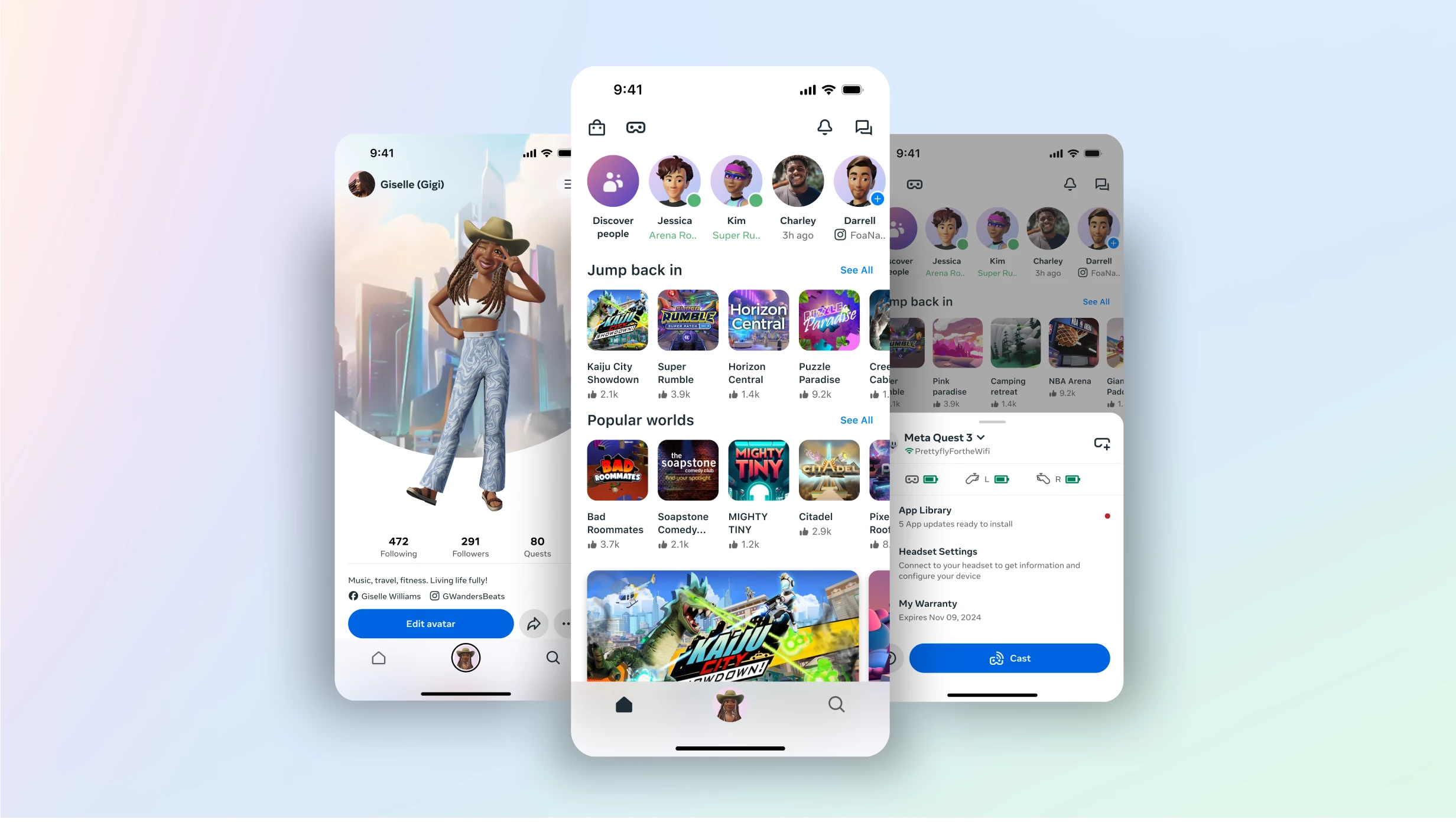
We’ve been making our mobile app better so you can explore experiences easier than ever, right from your phone. Here’s what’s new: Dynamic self-expression: Easily refresh your avatar with regularly updated personalization options directly in the mobile app. Explore worlds from your phone: Now you can jump right into new experiences from your mobile app, making it easier to connect with friends over music, games and everything you love. Light mode: Introducing Light mode on the mobile app gives you a more accessible, comfortable and customizable viewing experience. You can update your look anytime from the settings menu in the app. Don’t worry, we aren’t removing any features or functionality from the current app. You can still manage your headset and browse 500+ mixed reality apps and games from the Meta Horizon mobile app. You may need to update your app from your mobile app store, on Android and iOS, to see the latest updates.Visit https://www.meta.com/blog
I recently bought a gunstock.I play a game called ghosts of tabor specifically. When i try to grip the front of my gun with my left trigger, i can't. This is because my left hand is too much to the right. This is caused by an update installed wrong or just a bug that's causing it.I am on meta quest 2. Is this fixable, or do i have to get a whole new headset just for that problem? It is a tracking issue, but i'm just not sure. Any help?
I have a quest 3s and my warranty expires dec 24 while I’m on playing it blacks out and I tried to boot it I tried a lot I am reaching out for a new headset or protection plan I’m able to buy because how does it just stop working after 1 year and I spent 300$ 325$ including shipping just for it to break
Good day, it seems that no one is able to solve my problem. I log in to my Oculus Quest 2 headset using my Facebook account. However, a situation occurred where my Facebook account was blocked due to suspected violation of the rules. As a result, all my accounts were blocked, including Meta Horizon. After a review, it was determined that I did not violate any rules and my Facebook account was restored. However, my Meta Horizon account was not restored, and to this day it is not possible to log in (it does not work via email, Facebook, or Instagram, it is not possible to log in through the Oculus headset, and it is not possible to reset the device to factory settings). Logging in via email does not respond at all. Logging in via Facebook reports that the account is permanently blocked because the Facebook account violated the rules. But it did not violate them. I own a headset with purchased games that are now unusable. Who will help me return my account so it works again? [edited for p
Each time I attempt to setup and pair my Quest3s I have a pop up window in the glasses which suggests "pair your headset with the Meta Horizon App to continue and goes onto say open the latest app .......and provides a code if I have trouble pairing. The only other option at the bottom of the pop up window is headset managed by your organisation. No matter what I do I am unable to get around the window. I have attempted 2 full factory resets a software update and even removing the OVR files to restart. The Meta app suggests that my headset is active and connected. However with the window always up in the glasses I am unable to load any VR games.
I have captured my room, and in the Capture app, it shows that it has been created. I have also received a notification that my world has now been created, and I can now join. However, when I clicked on 'Join', it would show a bubble pop-up of my created world, and then everything would disappear to display my current environment. I have scanned this twice and both times the world was created, but I can't enter the world.Secondly, neither of the created worlds is reflected in my Preview app. In my preview app, I could see another world that my friend had previously created but this does not appear on my capture app. TLDR: Worlds on Capture app dont appear on Preview App, cant be accessed as well. World on Preview app can be accessed but does not appear on Capture app.
After the last few updates meta quest 2 stopped playing videos in all of my vr apps and the stock player that is installed. Videos that are local on my meta quest 2 worked fine until the update I am unable to revert to older versions that did not break the device. This sucks. Deovr was able to stream from websites just fine and play local videos as well now I can hear them but have no video. If I am streaming I just get a forever load screen same in the stock player that came in the device. Tried a factory reset but it saved all of the settings and didn't really let me factory reset. Removing my info and removing all of the software and starting from scratch are two different things. I am able to play games but and go into your stupid universe but that is half of the experience. Issue one all videos that are streaming from websites "that worked fine!" not working all local videos "that worked fine!" not workingIssue two unable to actually remove the trash software that broke
Hi,I got my Quest 3S for Chrismas but i already had a Quest 2 and I played it for a very long time (1.75 years) and I didn't have stick drift on my Quest 2 but i've had my Quest 3S for less than 3 weeks and i've gotten a lot of stick drift in my left controller.Heres a couple games I play for intrest:VRFSBeat SaberBlobtownVRChat Premier Leauge PlayerDownshotPavlov ShackGhosts of TaborOnwardAmong Us 3DAny help would be great!
Hy my name is Mayson it’s been a while sins I tried logging in my vr account but then I saw that they stopped my account. I don’t really know why because it’s been so long and I don’t get any info why only when. Pls help
Hello. A while ago me and my dad set up Parental Controls for my old Meta Account. After we had done all the steps my account was still deactivated even when we tried it again which ended up with me being forced to factory reset and entrusting my vr with my Brother until i turned 13.
I wanted to try using Hyperscape, but when I checked the store, the download button changed to “Unavailable” and I can't download it. My headset version is v83 (PTC already installed). If there's a solution, please let me know.
Hi, I am seeing vertical lines on my display. Can someone help me with how to fix this issue?It started three weeks back I initially started seeing them towards left part of the display, with in a week it expanded to the whole screen. Now I cant see anything due to the vertical lines. Thanks!
Purchases from Oculus are not available on Meta. But can see them on device
Hi, My son has had this Meta 3 for a few months then today it is asking for a passcode to do anything. We never set up a passcode but I tried all our usual ones anyway with no success. Now I am worried that the headset is locked out because it won’t pair to the app but I DO NOT want to factory reset this thing. I can log in to account and all that is there anything I can do to get this thing working again?
Already have an account? Login
Enter your E-mail address. We'll send you an e-mail with instructions to reset your password.