Developer Forum [Archived]
Recently active
Hi, I wonder when Meta is going to enable glass-like materials to compite with other platforms. Meanwhile, is there a way to simulate frosted glass effect over the passthrough on the Quest 3?Thanks!
Hello everyone,We use different back-ends to count our user base and the values differ significantly for various reasons. To compare the values, I have a question regarding the "Copies Sold" graph in the "Analytics Overview" panel of the Oculus dashboard. It tells me that it does not include entitlements due to keys, press, employees, etc., which is clear to me, but what about refunds?Are refunds somehow considered in this graph?
I hope this message finds you well 😊. I am currently engaged in Unity VR development and navigating through the intricacies of creating immersive experiences.Given the dynamic nature of VR technology and Unity's evolving landscape, I'm curious to hear about your experiences and insights. Here are a few specific points I'd love to get your thoughts on: 1. What strategies have you found most effective for optimizing Unity VR projects to ensure a seamless and immersive user experience, particularly when it comes to resource-intensive elements like graphics and interactions?2. Have you faced any specific challenges when integrating Unity VR projects with external hardware or third-party plugins? How did you overcome these hurdles, and are there any cautionary tales or lessons learned you could share? I genuinely appreciate your time and expertise in addressing these questions. Your insights will not only aid me in overcoming current roadblocks but will also contri
Hi,I am struggling trying to work with Spatial Anchors and what looks like a bug. I am creating a few gameobjects in the virtual room, adding Space Anchors to them, saving the room anchors to local storage and reloading them. I save the uuid list so I can reload the objects even if I close the app and run it again. It works fine but, in some "random" situations, the LoadUnboundAnchors returns a null UUIDList as if it were no Unbound anchors to be loaded. When this happens I can try and try to load them but always get the same result. But... if I create a new anchor in the session and save it, then I can reload all of them.🙄 Once they are loaded I can remove all objects and anchors and reload again and works fine.So, it looks that I cannot load correctly the saved anchors unless I have previously saved one in the same session. I know that they are correctly saved because after creating a new anchor in the empty room I reload them succesfully.Anyone else have this problem? &nb
So i am currently busy turning my Rift in to a wireless master piece.All the setup has been done and im currently testing battery life, however there must be a better way then to use batteries. Currently i need 12 batteries, to run the rift wireless (4 for the Rift, and 8 for the wireless HDMI device). Does anyone have some advice for me which i can try out to replace the batteries with something else?Current progress:Testing battery life on the Wireless HDMI device (Currently running on 8 batteries for 1 hour and 13 minutes (lets see how long they last)). I highly doubt ill get more then 2/3 hours of battery life on the HDMI device so 8 batteries for 3 hours (estimate) seems a little to steep i think. That is like 5 dollars per session for the HDMI device only (Rift not calculated yet). Definetly the first thing will be rechargeable batteries, but are there other solutions which i should try out?Thanks for your time.
I've integrated IAP into my oculus application, and only once did it work like going to the payment page. I made a payment also it's working fine. The next payment itself is not opening, the popup closes immediately anyone could help you out with this Ref: https://developer.oculus.com/documentation/unity/ps-iap/
Hi,I'm seeing quite a few music VR/MR apps coming about (also developing one myself) and would like to raise the point of adding support for the android.media.midi feature on Quest OS. It's there by default on most modern Android devices, so I don't see why the Quest as a multimedia device should not have access to it. I assume it would make the lives of many music app developers much easier and would be very much appreciated meta.I'm interested to hear about alternative solutions that do not require sending MIDI data via WiFi to a custom app just so people can play music in VR.Best,Max
Hello all. I am quite new to developing for VR, and have been attempting to work through the tutorials Meta gives for Quest 2 development using Unity (I am using 2022.3.7f1). I did the Playground Tutorials (https://developer.oculus.com/documentation/unity/unity-tutorial-basic-controller-input/) to set up hand tracking and using controllers, and want to move on to locomotion. I acquired the Locomotion sample, and I can get it compiled and running on my quest 2 and everything works as it should. However, I can not get the Create Locomotion Interactions tutorial working on my project or figure out how to apply what is in the sample to my project. I followed the parts for the tutorial to try to accomplish locomotion with my Right hand (I can move onto Left hand and controller locomotion once this aspect is working) - which involves adding LocomotionHandInteractorGroup to your hand, creating a Locomotion GameObject, and copying in some mesh files from the Locomotion Sample. As far
Hello I'm working on VR game project. I'm setting up the meta movement in my project and I can't run the project in editor. It is working only in build apk file. Can you please guide us through the project.
I am trying to upload a Rift Build for my App Rave Gazebo. The Quest submission for the same app has worked fine, but when I try to build a PCVR version and submit in the Meta Quest Developer Hub, I get an error called "API_ERROR" and then a log that I do not know how to read. I was hoping I could get some help understanding what exactly I need to change to get my submission approved.The log error is so long that it exceeds the character limit for this submission, and also you haven't included functionality to attach files, so you're gonna have to deal with a cut off version 2023-10-01T18:39:17.735Z [DEBUG] Run args: {"appId":2859178770824795,"buildDir":"F:\\GameAudProjects\\RaveGazebo\\Builds\\AllMusicAndNewTutorial","channel":"ALPHA","clean":false,"draft":false,"excludeAddons":false,"firewallExceptionsRequired":false,"gamepadEmulationMode":null,"inheritAssetFiles":false,"isODH":true,"uploadFromEngine":false,"launchFile":"F:\\GameAudProjects\\RaveGazebo\\Builds\\AllMusicAndNewTut
Hello, I'm pretty new to game dev in general, so my debugging skills are next to non-existent in this department. This issue doesn't look like it has a solution yet I can find, and I'm not sure how to fix it.I'm using the Starter Samples from the meta github Bouncing Ball scene under the SceneManager section, which should allow bouncing balls to bounce off of the passthrough real life objects. When I press play in the Unity application while running the Meta XR Simulator, the bouncing balls do bounce across the floor when the trigger is pressed as expected.If I build and run on my meta quest 3 or try to press the play button, everything works except the balls just spawn and fall straight down into infinity. I haven't edited anything, just using the sample scene as is. So I'm assuming this has something to do with the room tracking from the headset not properly being used with the application? I have point cloud share turned on and enabled permissions for spatial info when prompted
Hi everyone,I'm trying to figure out how to map the room I'm in, and have it set floor/walls geometry to what is mapped, like in this Unity tutorial here:https://youtu.be/nfffR3TLzzg?t=174In Unity it's pretty painless and straight forward process.. In UE not so much...I see there is an OculusXRRoomLayoutManager component, and also an OculusXRSceneGlobalMesh component in UE5 that you can add to the blueprint, but there is no documentation on how to use this, or how it works. Has anyone gotten these to work yet? Here's a screenshot of one of the components.
So i am using the script from the loop back sample provided by meta, i have achieved record the animation and playback, but the animation is quite desynced with the audio that was recorded at the same time. For animation, i just save a list of processed PacketData, then reinsert them back to the avatar that i want to playback, releasing it at the end. For Audio recording, i just use the default unity recording. Everything comes out, animation played well and audio too, but as the time pass, maybe after 10 second, the animation becomes no long align with the audio that was recorded at the same time. Seems animation plays a bit slow. Is there any way to fix this? feels very sad since already figured the way to make it work(may still not be the right way though)
Hello, I've been trying to get this working for a while now but haven't gotten it to. This happens no matter which project template I use. This time I made a VR project and then just added meta XR and made all the changes in settings that are needed. then when building everything seems fine until I try to open the app up on my quest 2 where it just fades the screen to black and then immediately puts me back in my home environment. I get this in the logs when it crashes.[2023.11.08-22.11.57:818][ 0]LogAndroid: Error: === Critical error: ===[2023.11.08-22.11.57:818][ 0]LogAndroid: Error:[2023.11.08-22.11.57:818][ 0]LogAndroid: Error: Fatal error: [File:./Runtime/Engine/Private/ShaderCompiler/ShaderCompiler.cpp] [Line: 7173][2023.11.08-22.11.57:818][ 0]LogAndroid: Error: Missing global shader FHardOcclusionsPS's permutation 0, Please make sure cooking was successful.[2023.11.08-22.11.57:818][ 0]LogAndroid: Error: [Callstack] 0x00000077C56AFCD0 libUnreal.so(0x0000000013608CD0)!VerifyGlobal
I share these errors that I see have already happened to several people, including me:First error:If you go to Project Settings - Plugins - MetaXR - General, and change the XR API from”Oculus OVRPlugin + OpenXR backend (current recomended)”to“Epic Native OpenXR with Oculus vendor extensions”, after the forced restart generates this exception:Unhandled Exception: EXCEPTION_ACCESS_VIOLATION 0x0000000000000000UnrealEditor_OculusXREyeTrackerUnrealEditor_RendererUnrealEditor_RendererUnrealEditor_RendererUnrealEditor_RendererUnrealEditor_RendererUnrealEditor_RendererUnrealEditor_RendererUnrealEditor_CoreUnrealEditor_CoreUnrealEditor_RenderCoreUnrealEditor_RenderCoreUnrealEditor_CoreUnrealEditor_Corekernel32ntdllI see in Git that the change is to add the entry "XrApi=NativeOpenXR" to the {Project Path}\Config "DefaultEngine.ini" file.Second bug:When we create a Windows version (which worked native on Android and MetaXR Plugin in Quest 2) and run it in Quest 2 Link from PC, the floor is
I enabled the meta xr plugin and opened the project again and hit the vr prewview botton after connecting meta quest pro to PC by Air link, but I could see only black screen view.
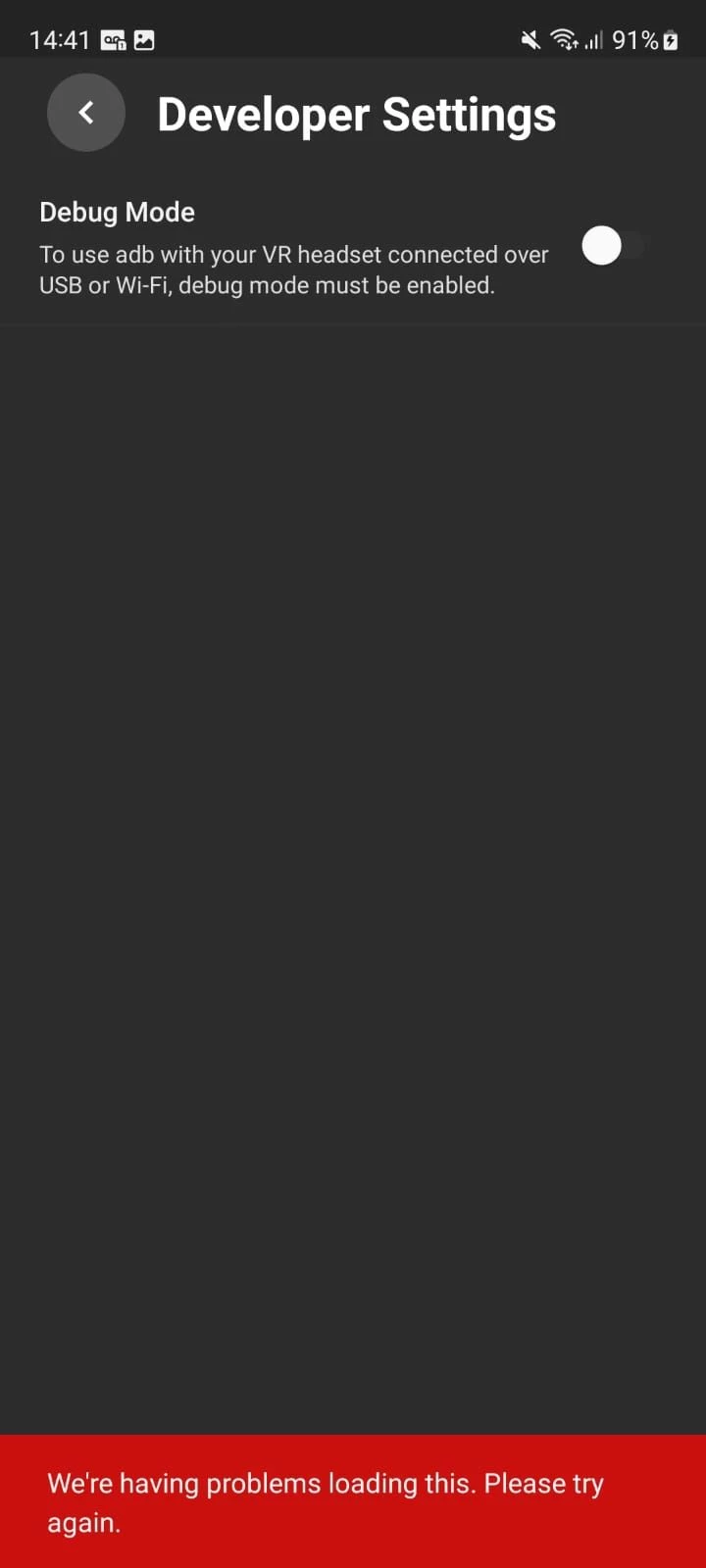
My quest 2 had a boot loop and I tried a few things like factory reset and firmware update, and in the end I found out that it was due to the proximity sensor, so I removed the faulty proximity sensor from the quest 2 and it booted up normallyBut now it's stuck on the black screen because of the faulty proximity sensor and I can't set it up because it doesn't allow me to use it since I can't see anythingI tried to deactivate the proximity sensor through the computer, but for me to deactivate it I need to activate the usb debug mode, but then another problem appears, I paired the quest 2 with my cell phone to activate debug mode and it does not allow me to activate itMy account is already verified, I don't understand why it doesn't allow me to activate this optionHonestly, I don't know what to do, I can't set it up through the quest because it has a black screen because of the sensor, and I can't even deactivate the sensor because I can't activate debug mode on my cell phoneIf anyone ca
Fed up with super indy stuff - not bashing on solo dev but stuff made by 1yrs old experience unity dev sold as a vr game that look worst than job sim in 2023 with a 20$ price tag.. enough for me. With amazin AC: Nexus (yes yes its not perfect) - i hope the era of true VR game start trickling down the store once and for all. Done are the day of paying 20-25$ for stuff woth not even 15$.
When I install OpenXR Plugin alongside Meta XR All-in-One SDK I get this warning in Project Validation to use Oculus XR Plug-in instead of OpenXR.What is the recommended/correct approach to achieve cross-platform compatibility with OpenXR while using Meta XR SDKs in that case? Or should I ignore this warning?
Hey! Is there an official OpenXR API to obtain hidden-area stencil on per-device basis?
Hello, hope all is well.I am trying to get Live Link working on the Meta Quest Pro in Unreal 5.2, and have tried in 5.1 as well. I keep running into these errors in the Live Link window after connecting Meta MovementSDK Live Link.Live Link Errors: Trying to add frame data that is not formatted properly to role 'LiveLinkAnimationRole' with subject 'Eye'. Trying to add frame data that is not formatted properly to role 'LiveLinkAnimationRole' with subject 'Body'. Trying to add frame data that is not formatted properly to role 'LiveLinkBasicRole' with subject 'Face'. (My Quest Pro is connected correctly and I can run the Movement Sample without any issues using the official release 5.2/5.1 and MetaXR Plugin and have also built the GitHub version of UE5.2)
I am trying to make a developer account for my headset, but meta wont accept ANY credit card to verify the account! I have tried using both of the credit cards I own and nothing! Has anyone dealt with any issue like this before? Using SMS is not an option for me!
Hi, I'm trying to enable Dual-core mode for my VR-application. I'm using Unity 2021.3.28f with Oculus Integration v55. My Quest 2 is also system version 55. I added the snippet bellow to the Manifest as stated in the documentation: https://developer.oculus.com/documentation/unity/po-quest-boost/ <meta-data android:name="com.oculus.dualcorecpuset" android:value="true" /> However it is not showing CPU level 6 as it should for Dual-core mode. CPU & GPU level 5 do work, so the SDK v55 is correctly installed.Any other settings that need to be set? Another Unity version required?
Looking to confirm my understanding with the age group API https://developer.oculus.com/documentation/unity/ps-age-group-apis/ When returning CH, TN, AD does it localize the result to the region's regulations? For example, South Korea is 14+ and Germany 16+? So I'd expect a CH result would be 10-12 for US and 10-13 for South Korea, and so on.
Hey 🙂I'm a newcomer to Unity/Meta development, I've created a small app whereby I can chat to an AI powered NPC in passthrough. It works ok, however on my NPC there are dark/black areas, not sure if they are shadows, I'd like to know how to remove them please?I'm using 3D Core, the Unity version is in the screenshots. I've tried experimenting with Directional Light but have had no luck. Any help would be really appreciated.
Already have an account? Login
Enter your E-mail address. We'll send you an e-mail with instructions to reset your password.